6 Functions and settings
Maschinenfabrik Reinhausen 2014120 2374092/04 ENTAPCON® 260
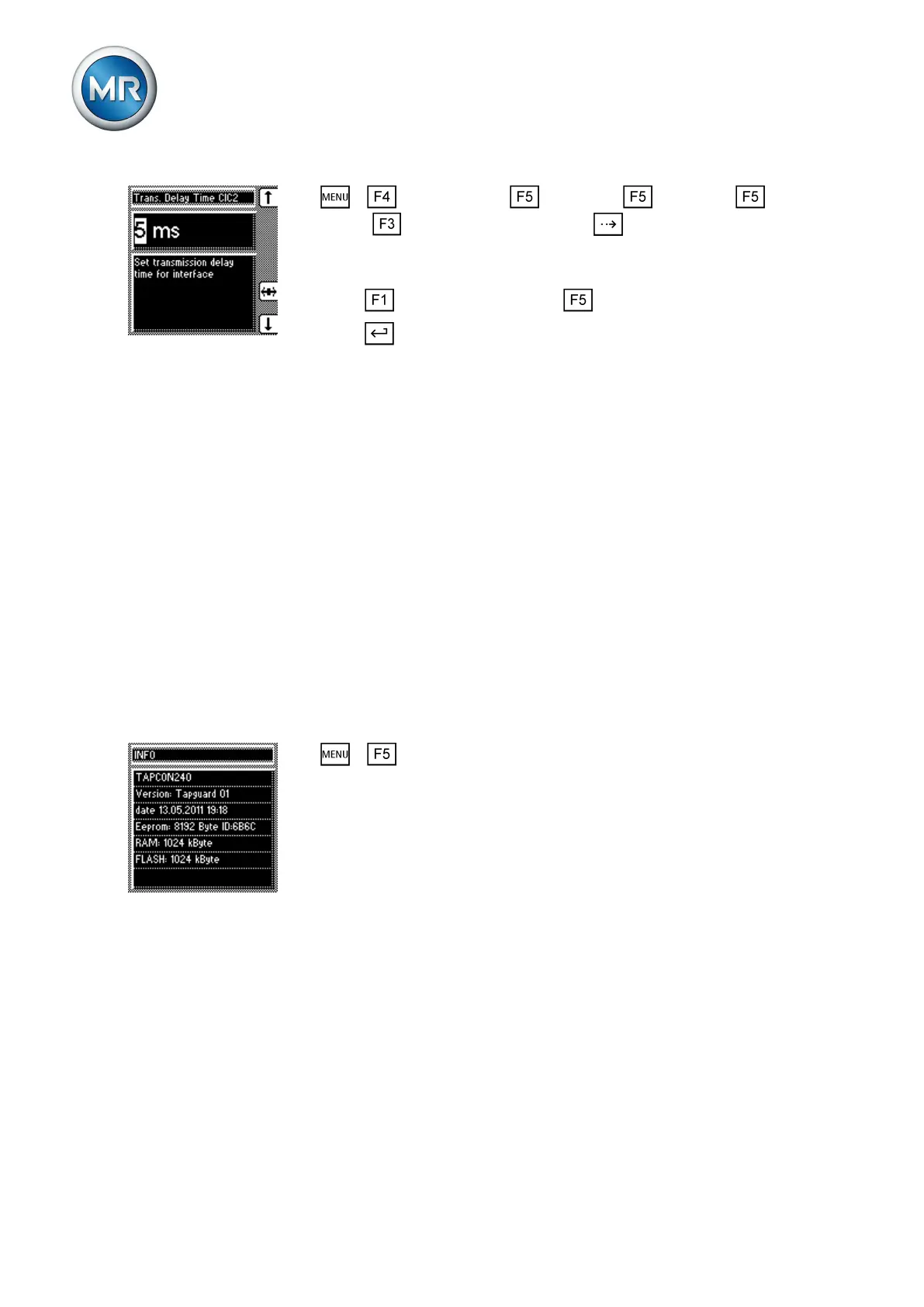
1. > Configuration > Continue > Continue > Con-
tinue > Comm. interface 2 > Press until the desired parameter
is displayed.
ð Transmission delay CIC 2.
2. Press to increase the value or to reduce it.
3. Press .
ð The transmission delay time for the RS485 interface is set.
Displaying information about device
The next section describes how you can display information about the de-
vice.
Displaying the info screen
Information about the device can be viewed here.
The following information is displayed:
▪ Device model
▪ Firmware version number
▪ Serial number
▪ RAM
▪ Additional cards
To display the info screen, proceed as follows:
► > Info
ð Info.
Displaying measured values
The current measured values are shown in this display. The following meas-
ured values can be displayed:
To display the measured values, proceed as follows:
6.17
6.17.1
6.17.2



 To Next Page