6 Functions and settings
Maschinenfabrik Reinhausen 201486 2374092/04 ENTAPCON® 260
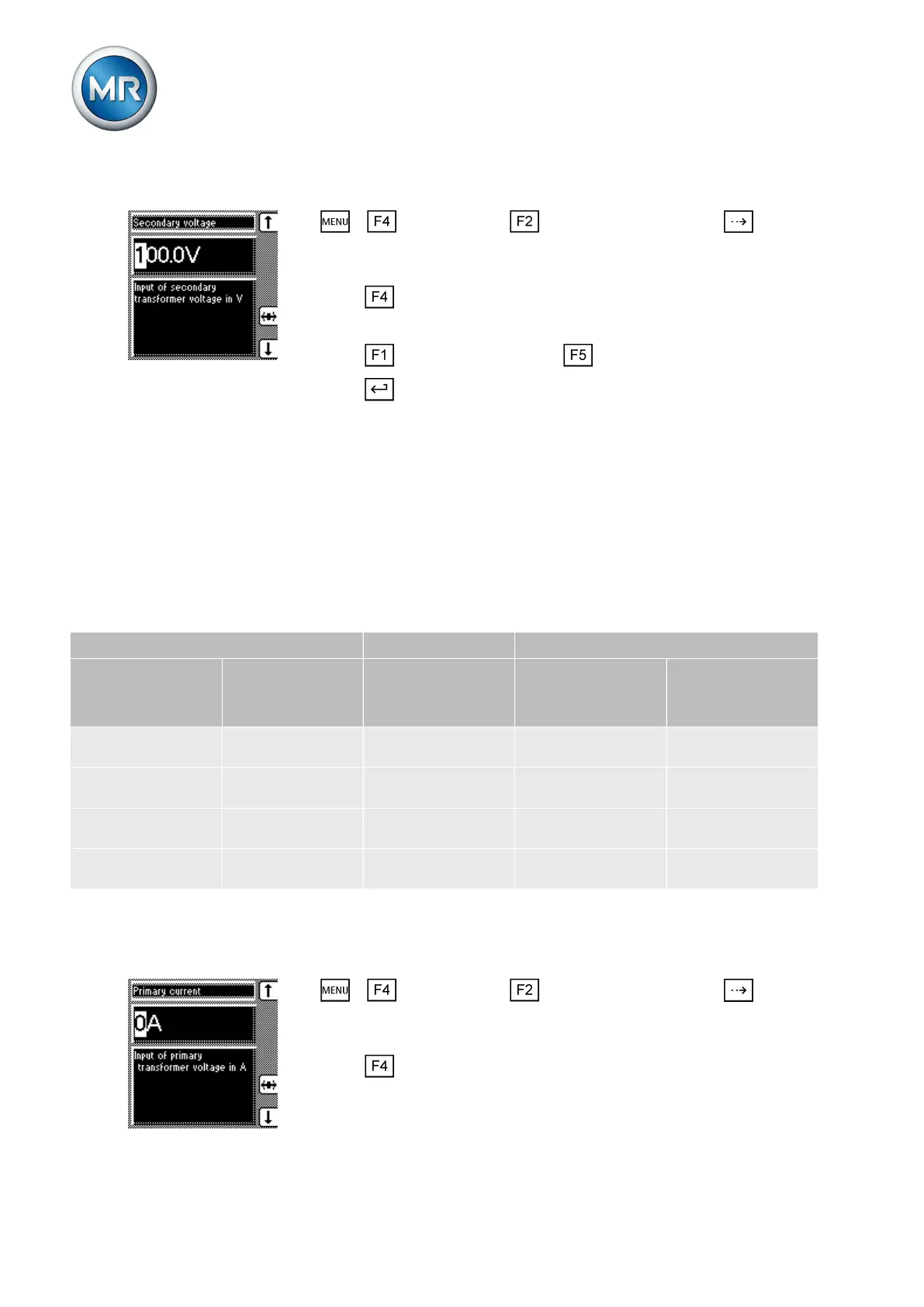
To set the secondary transformer voltage, proceed as follows:
1. > Configuration > Transformer data > Press until the
desired parameter is displayed.
ð Secondary voltage.
2. Press to highlight the position.
ð The desired position is highlighted and the value can be changed.
3. Press to increase the value or to reduce it.
4. Press .
ð The secondary transformer voltage is set.
Setting primary transformer current
This parameter can be used to set the primary transformer current.
▪ When you are setting the primary transformer current, the measured
value is displayed in the main screen.
▪ If you set a value of 0, no measured value is displayed in the main
screen.
Setting parameter Current feed Display
Primary current Secondary cur-
rent
Power connection Info screen
Primary/secon-
dary current
Main screen
No parameteriza-
tion
Unknown 1 A 100 % 0 A
No parameteriza-
tion
1 A 1 A 1 A 0 A
50 A Unknown 1 A 100 % (of primary
current)
50 A (of primary
current)
50 A 1 A 1 A 1 A (of secondary
current)
50 A (of primary
current)
Table 20: Example of unit displayed: %/A
To set the primary transformer current, proceed as follows:
1. > Configuration > Transformer data > Press until the
desired parameter is displayed.
ð Primary current.
2. Press to highlight the position.
ð The desired position is highlighted and the value can be changed.
6.9.3



 To Next Page