6 Functions and settings
Maschinenfabrik Reinhausen 2014122 2374092/04 ENTAPCON® 260
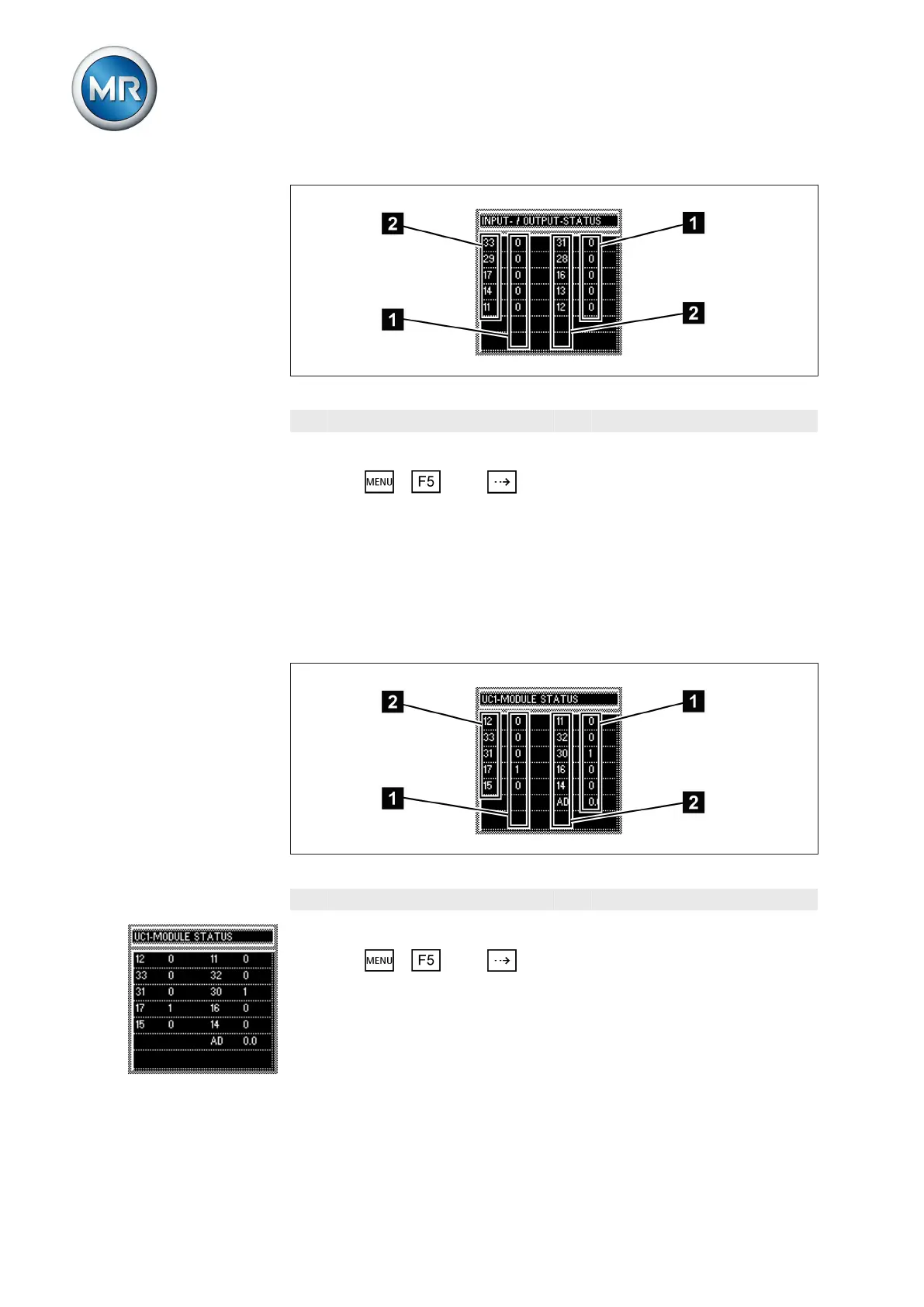
Figure 82: Signals
1 Signaling status 2 Control inputs/output relays
To query the status, proceed as follows:
► Press > Info > until the desired measurement parameter
is displayed.
ð INPUT/OUTPUT STATUS.
Displaying UC card status
The status of the respective optocoupler inputs is shown in this display . As
soon as a continuous signal is present at the input, it is shown in the display
with a 1. 0 indicates no signal at the input.
Figure 83: UC card signals
1 Signaling status 2 Control inputs
To query the status, proceed as follows:
► Press > Info > until the desired display appears.
ð UC1 CARD STATUS/UC2 CARD STATUS/UC3 CARD STATUS.
6.17.5



 To Next Page