6 Functions and settings
Maschinenfabrik Reinhausen 201458 2374092/04 ENTAPCON® 260
You can use this parameter to assign the freely configurable output relay
messages which are to be issued. You can assign the following messages:
Parameter Messages
Off No function selected
Master/Follower Assign Master/Follower message.
Local/Remote Assign Local/Remote message.
Undervoltage Assign Undervoltage blocking message.
Overvoltage blocking Assign Overvoltage blocking message.
Desired value 2 Assign Desired value 2 message.
Desired value 3 Assign Desired value 3 message.
MD operating time I> Pulse message triggered. Assign Motor runtime
exceeded message.
MD operating time D> Continuous signal is active. Assign Motor run-
time exceeded message.
Bandwidth < Assign Value fallen below bandwidth message.
Bandwidth > Assign Bandwidth exceeded message.
Table 11: Possible messages for output relays
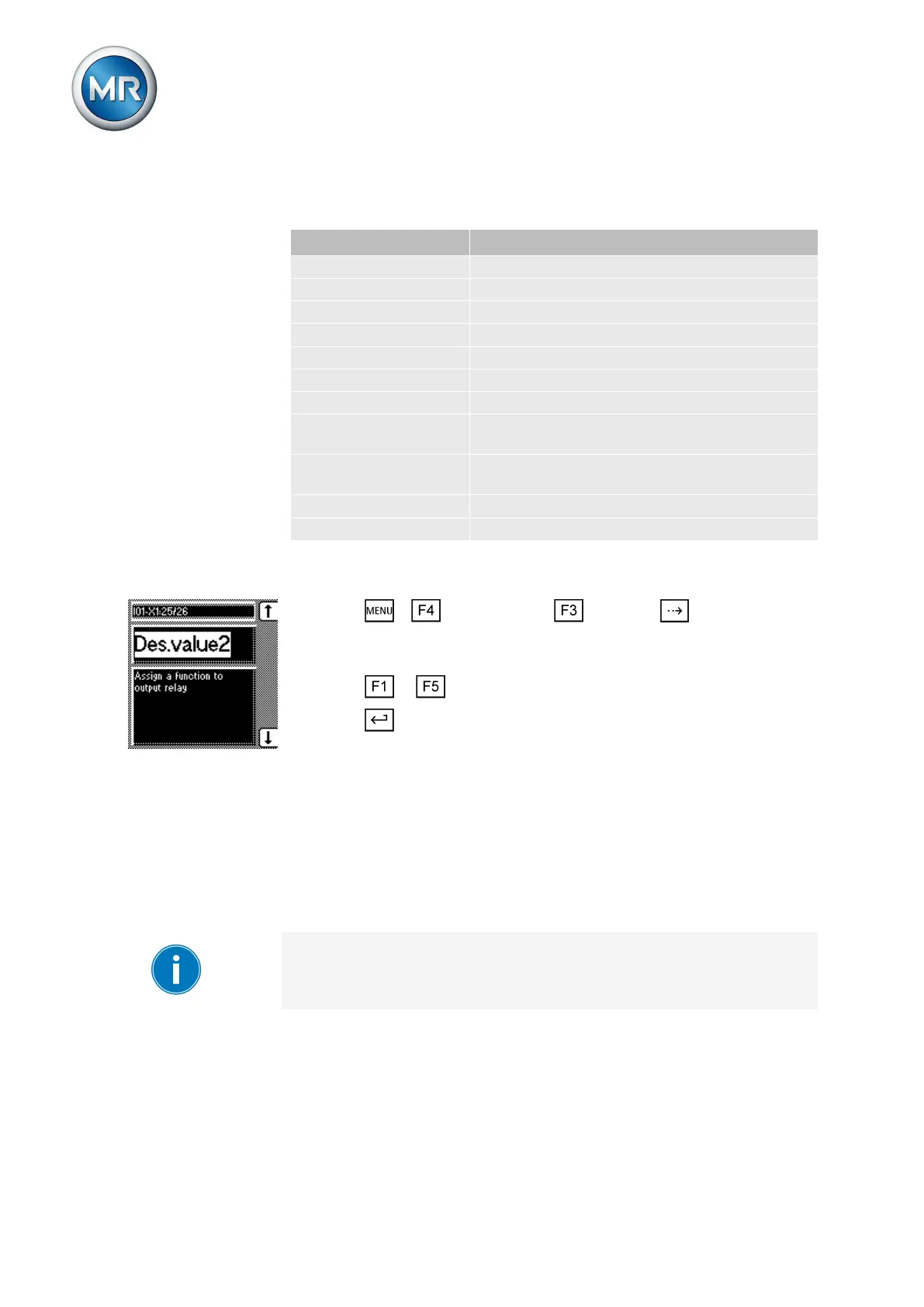
To assign functions to the output relays, proceed as follows:
1. Press > Configuration > General > until the desired
parameter is displayed.
ð IO1-X1:25/26 or IO1-X1:23/24.
2. Press or until the desired function appears in the display.
3. Press .
ð The function is assigned.
Dimming display
You can use this parameter to activate or deactivate automatic display dim-
ming. You can select the following options:
▪ On: The display is automatically dimmed if no key is pressed for 15 mi-
nutes. The display returns to full brightness by pressing any key.
▪ Off: Automatic display dimming is deactivated.
Activating this function extends the display's service life.
To activate/deactivate automatic display dimming, proceed as follows:
6.3.8



 To Next Page