6 Functions and settings
Maschinenfabrik Reinhausen 2014 1092374092/04 EN TAPCON® 260
When you set the event memory size, the complete memory is cleared as
soon as you confirm the change.
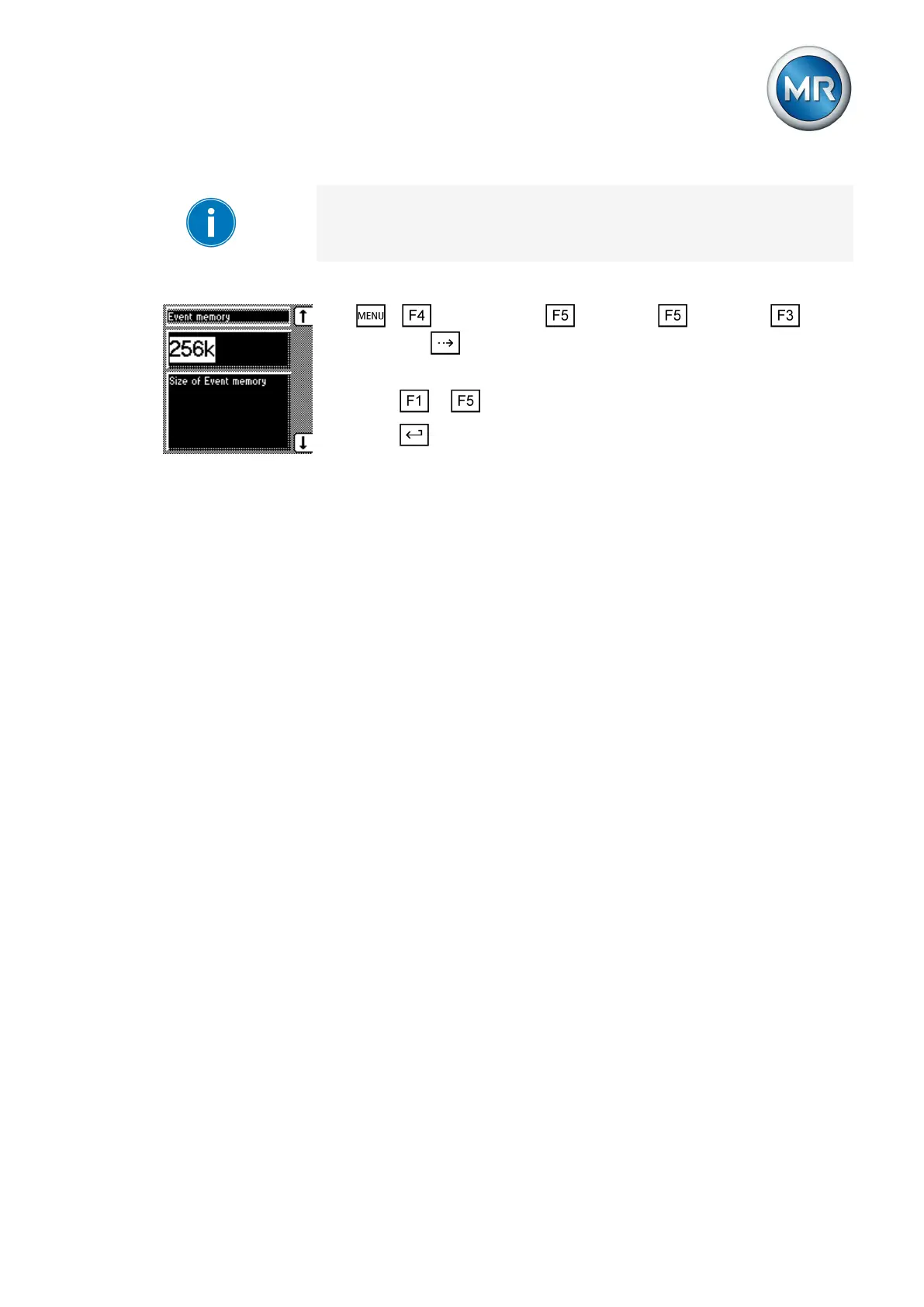
To set the event memory size, proceed as follows:
1. > Configuration > Continue > Continue > Memo-
ry > Press until the desired parameter is displayed.
ð Event memory.
2. Press or to set the event memory size you want.
3. Press .
ð The event memory size is set.
Time plotter
The Info menu item is where you'll find the time plotter function. The actual
voltage and desired value you have set is displayed here. The units of volt-
age per unit are defined automatically and you can change them at any time.
You can undertake the following settings in the time plotter function:
▪ Division of time axis
▪ Voltage range
▪ Retrace time
▪ Retrace date
The following sections describe how you can access the time plotter.
Visual display of time plotter function
The time plotter is displayed as follows:
6.14.5
6.14.5.1



 To Next Page