5 Commissioning
Maschinenfabrik Reinhausen 201450 2374092/04 ENTAPCON® 260
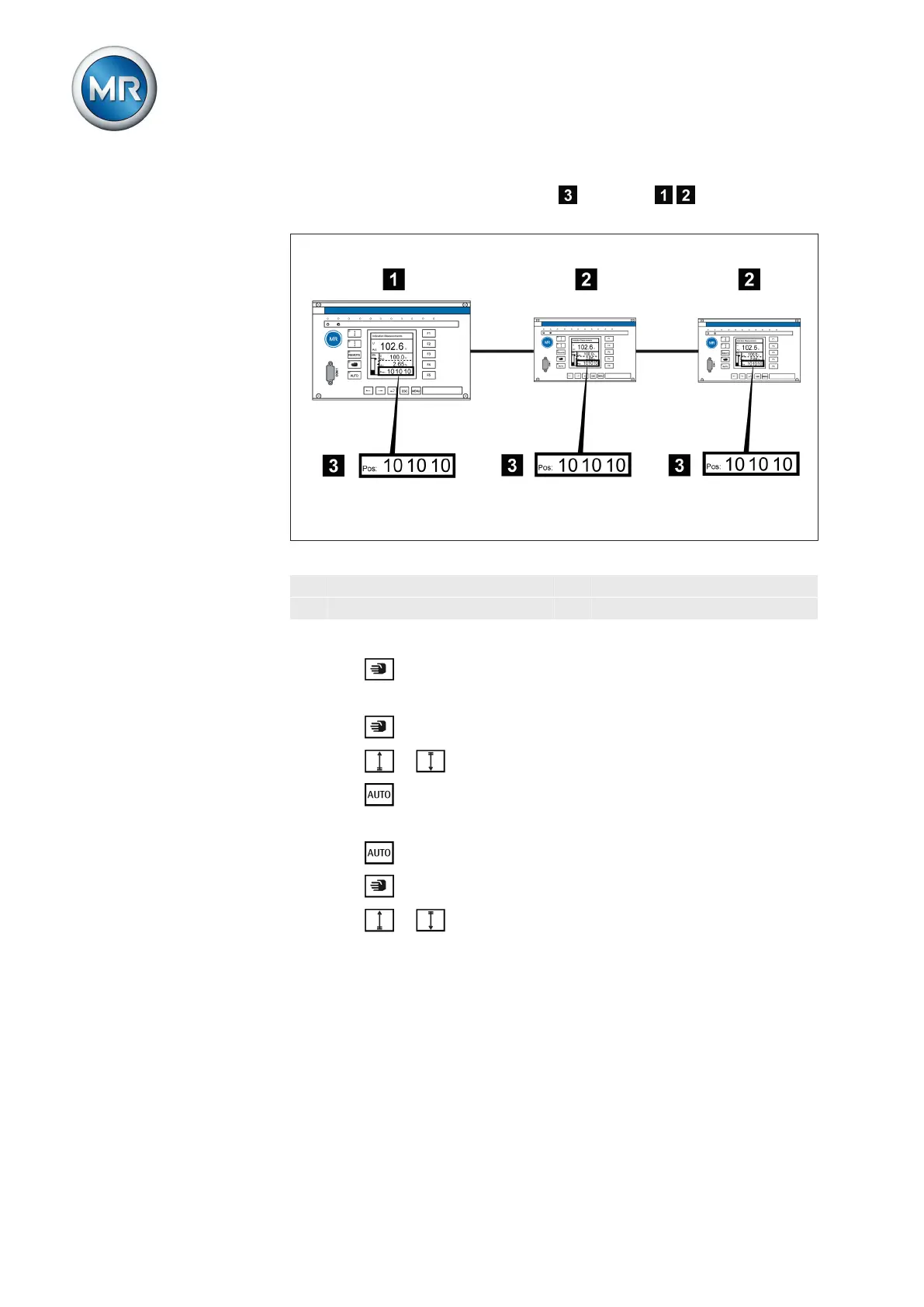
3. Compare the tap position displays of devices / . All devices must
display the same tap position, if not switch them into the same one.
Figure 31: Comparing tap positions
1 Master 3 Tap position display
2 Follower
To perform the function test, proceed as follows:
1. Press on the follower to select manual mode.
2. If necessary, set the follower tapping direction [► 61].
3. Press on the master to select manual mode.
4. Press or on the master to manually change the tap position.
5. Press on the follower to select auto mode.
ð The follower follows the master's control command.
6. Press on the master to select auto mode.
7. Press on the follower to select manual mode.
8. Press or on the follower to manually change the tap position.
ð After expiry of the set delay time for parallel operation errors
[► 95], the Tap difference to follower error message is displayed
in the main screen on the master.



 To Next Page