6 Functions and settings
Maschinenfabrik Reinhausen 2014 992374092/04 EN TAPCON® 260
Depending on your device configuration, the following parameters can be
used by MR for special functions. In this case, these parameters are pre-as-
signed. You may not be able to view or freely assign these parameters.
An overview of all possible functions which you can assign to the LEDs is
provided in the table below.
Functions
available
Function description
Off LED deactivated
IOxx/UCxx There is a signal at control input IOxx/UCxx (e.g. IO:25)
SI:bef1 SI:bef1 (command) is received
SI:bef2 SI:bef2 (command) is received
Undervoltage Undervoltage present
Overvoltage Overvoltage present
Overcurrent Overcurrent present
Par. error Parallel operation error present
Motor protec-
tion
Motor protective switch triggered
Blocking Regulation is blocked
Circulating re-
active current
Parallel operation selected using circulating reactive
current method
Master Device in parallel operation activated as master
Follower Device in parallel operation activated as follower
Automatic Auto mode activated
Bandwidth < Value is below bandwidth
Bandwidth > Value is above bandwidth
Power-
dep.des.
Power-dependent desired value adjustment activated
Table 27: Functions available for LEDs
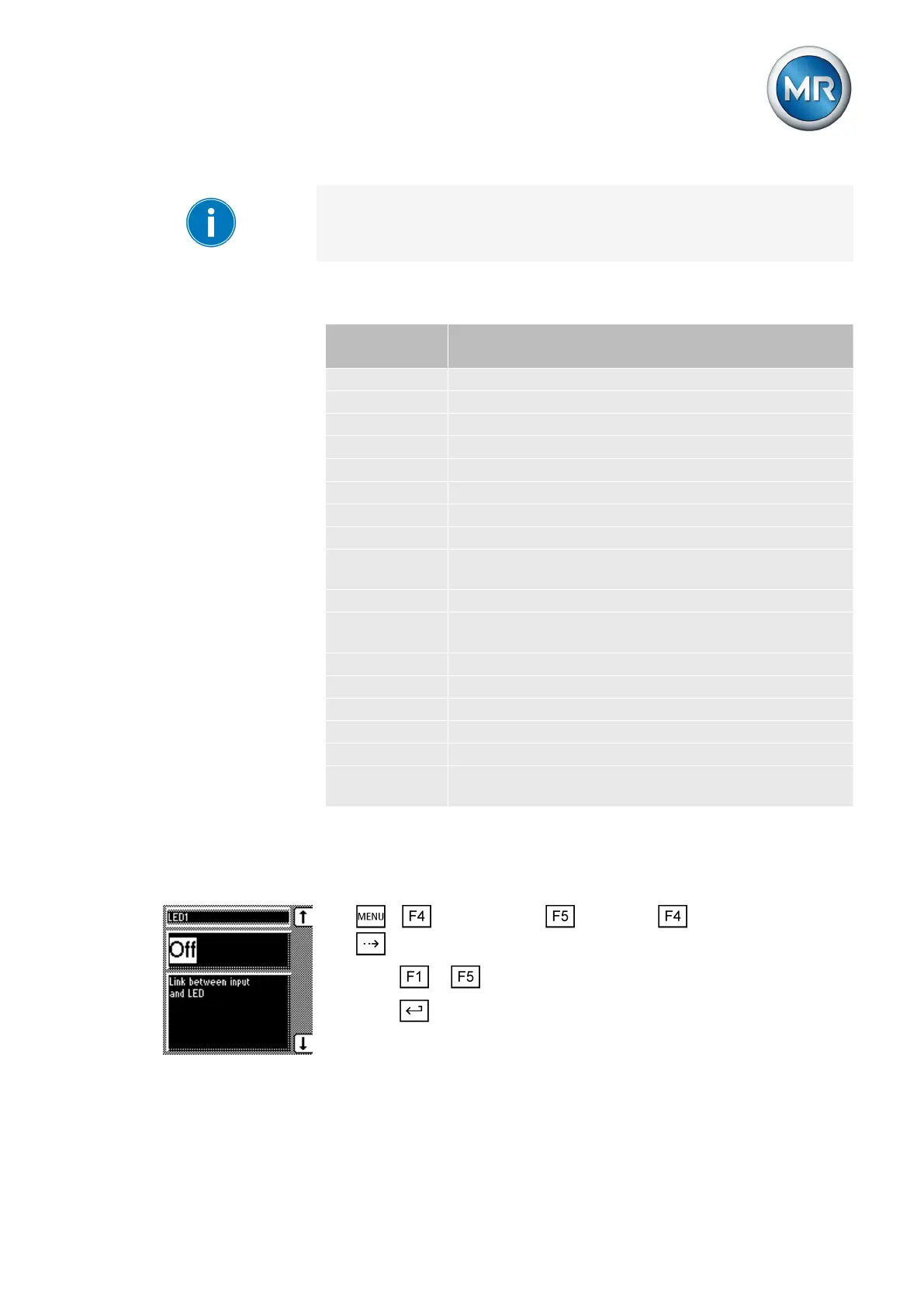
Assigning function
To assign a function to an LED, proceed as follows:
1. > Configuration > Continue > LED selection > Press
until the desired parameter is displayed.
2. Press or to select the option you want.
3. Press .
ð The function is assigned.
Functions available for
LEDs



 To Next Page