VJ-1324X OPERATION MANUAL Handling the printer
4.2 Media 117
4. Sets up Initial Adjust Change.
a. Press the [+] key or [–] key on the operation panel to select “PF2: Initial Change”.
b. Press the [Enter] key on the operation panel.
• “Init.: 250.0/250 mm” is displayed on the operation panel.
c. Press the [+] key or [-] key on the operation panel and enter the measured value in step 3.
d. Press the [Enter] key on the operation panel.
• The initial adjustment value is saved.
• “PF2: Initial Change” is displayed on the operation panel.
5. Performs Confirm Print.
a. Press the [+] key or [–] key on the operation panel to select “PF3: Confirm Print”.
b. Press the [Enter] key on the operation panel.
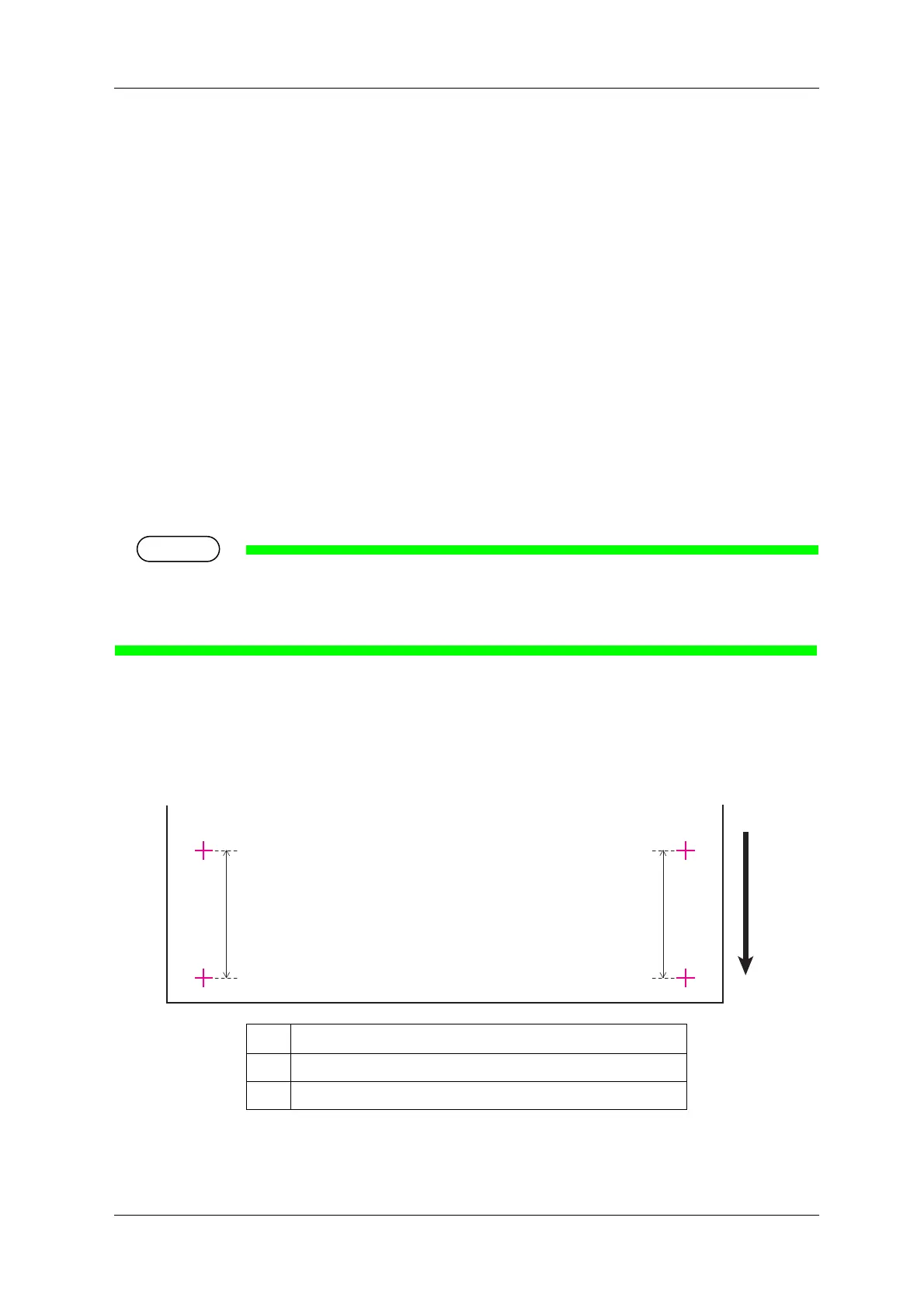
• “Feed Length: 250 mm” is displayed on the operation panel.
•The length of media that is fed (feeding length) for Confirm Print is normally set at 250 mm.
•If you increase the feeding length, the accuracy of the Media feed adjustment improves.
To change the feeding length, press the [+] key or [-] key on the operation panel and change the set value.
c. Press the [Enter] key on the operation panel.
• “Printing” is displayed on the operation panel.
• Starts Confirm Print.
• When the Confirm Print is complete, the printer enters Normal.
No. Name
1 Feed length
2 Media feeding direction















 To Next Page