EFA-200/-300 8 Optional functions
8-9
8.8 Setting the date and time
8.8.1 Activating the “CLOCK” function
✓ The CONFG menu should be activated.
1. Use the UP/DOWN keys to select the “CLOCK” function.
2. To activate the CONFG CLOCK sub-menu, press the ENTER key.
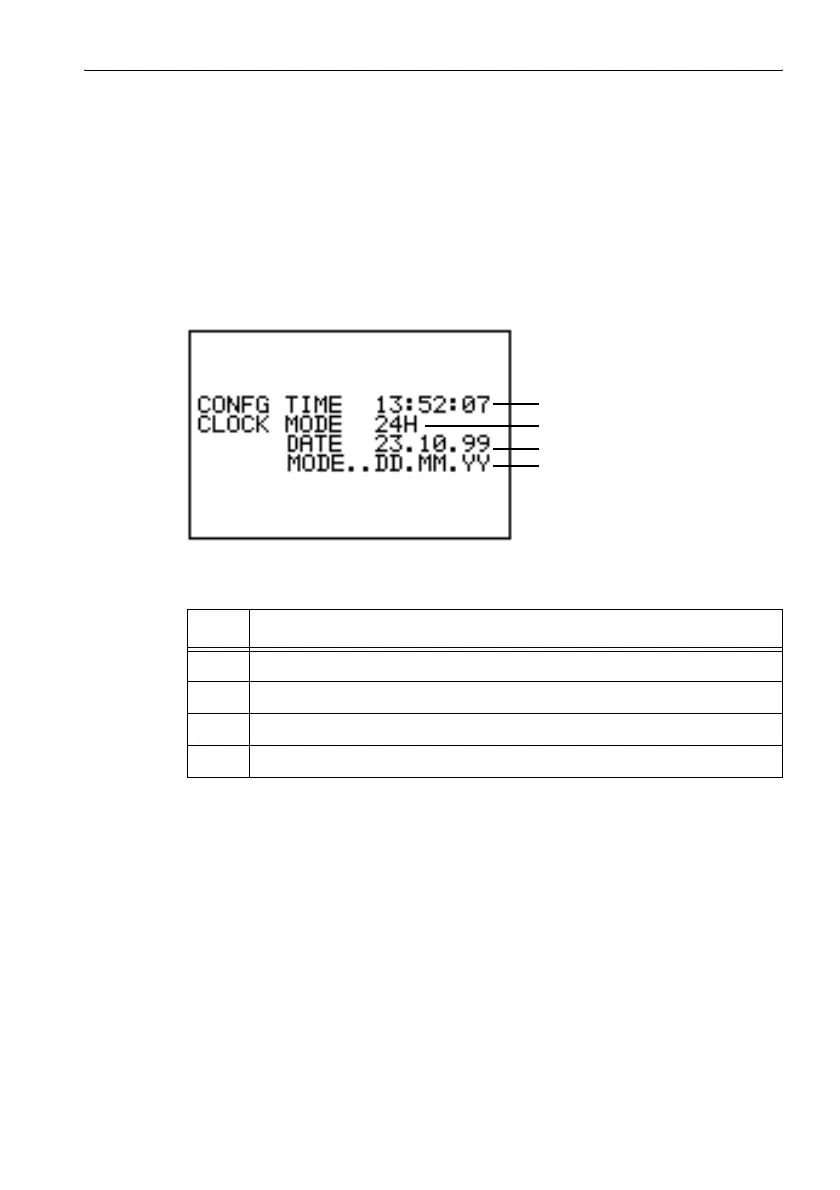
The CONFG CLOCK menu opens.
Figure 8-3 CONFG CLOCK menu
No. Function
1 Time
2 Time display mode
3 Date
4 Date display mode
Table 8-1 CONFG CLOCK menu elements
1
2
3
4



 To Next Page