10 Maintenance and repairs EFA-200/-300
10-12
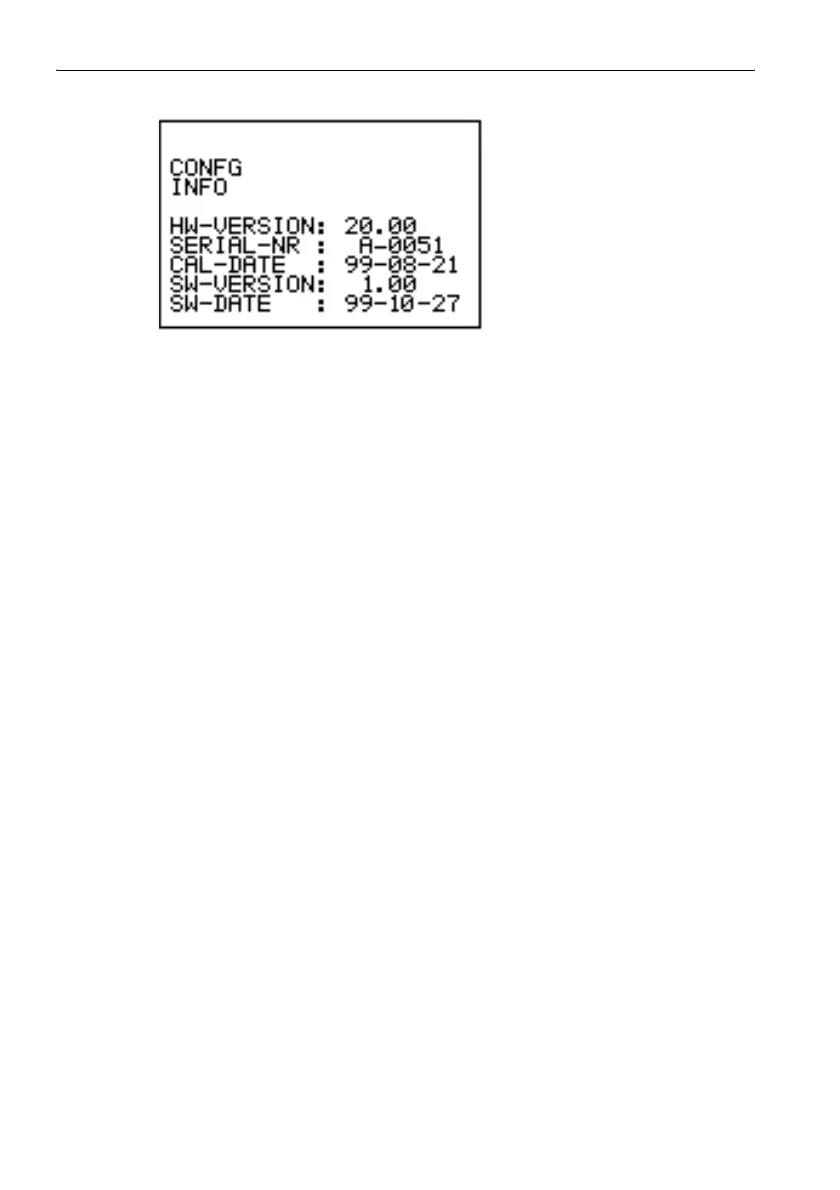
Figure 10-4 CONFG INFO menu
Reading out the device identification
✓ The “SERVICE” function should be activated.
1. Use the UP/DOWN keys to select the “IDENTIFICAT” function.
2. Confirm your selection by pressing the ENTER key.
The ID number will appear in the display.
Each device has its own ID number.
10.6 Cleaning
• Do not use solvents to clean the EFA-200/-300 casing or probes or the
Power Supply Unit. We recommend the use of lukewarm water to which
a little liquid detergent has been added.
• Only use a slightly dampened cloth for cleaning. Water must nor be
allowed to get inside the instrument.
• To prevent streaks and spots when drying, wipe off the still damp
surfaces of the instrument with a dry cloth.



 To Next Page