EFA-200/-300 6 Operating modes
6-3
3. Press the ENTER key to confirm your selection.
The automatically selected measurement range is shown with “AUTO”
below it in the display field F1.
Possible faults
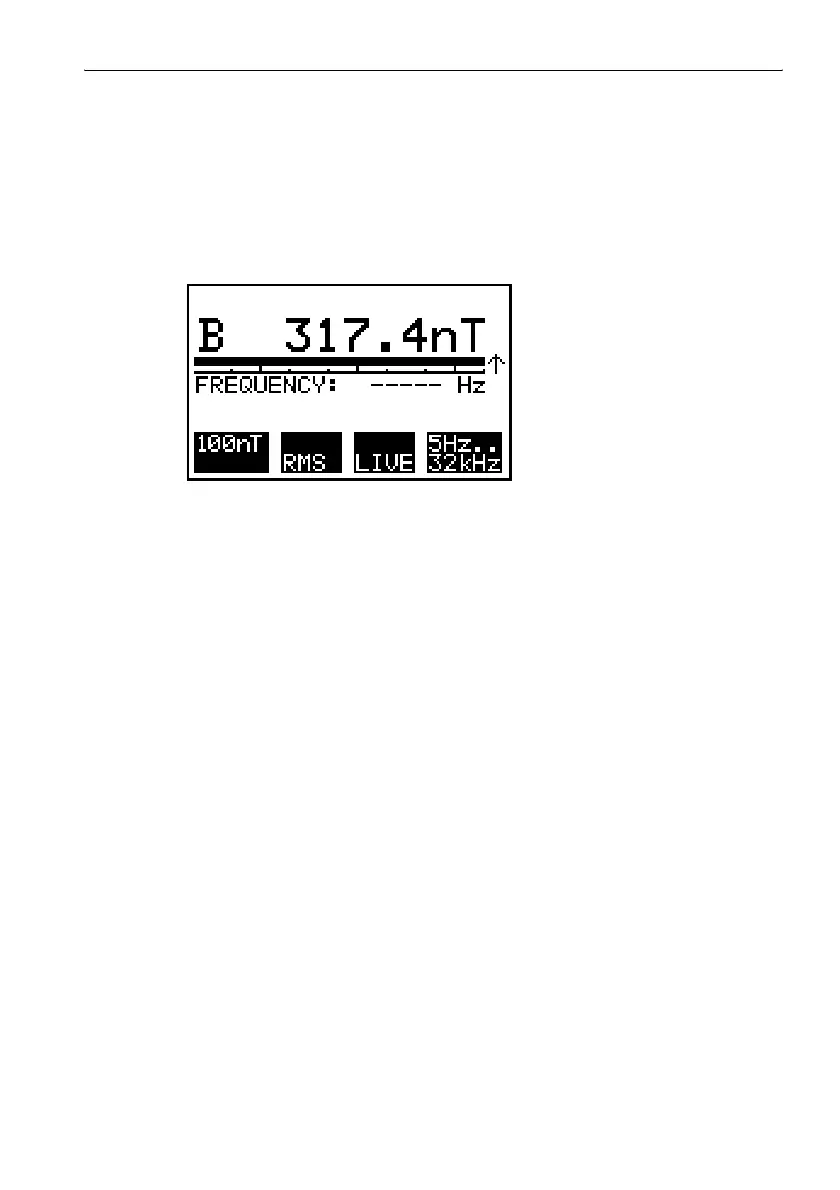
The over-range screen is displayed.
Figure 6-2 Over-range screen
The selected range is not suitable for the field being measured. The
measurement range has been exceeded.
⇒ Select a higher measurement range.
The selected range remains active even after the “AUTO” function has
been selected.
The “MAX” function is activated.
⇒ Switch off either the “AUTO” or the “MAX” function.
6.1.3 Selecting the detection mode
Two detection modes can be selected:
• RMS: The overall RMS value is calculated from the RMS values for the
three measurement axes (isotropic measurement only).
• VECT PEAK: The peak value is calculated from the peak values of the
field vector. The phases of the three measurement axes are taken into
account (isotropic measurement only).
⇒ Press key F2 to toggle between the two detection modes.
The selected detection mode is shown in display field F2.



 To Next Page