7 Measurement data memory EFA-200/-300
7-2
7.1.1 Saving individual values
Only for data set types normal, vector and list
Saving a value
✓ Date and time have been set correctly.
Setting the date and time: see page 8-9.
⇒ Press the SAVE key.
The content of the data set is stored to the next free memory location.
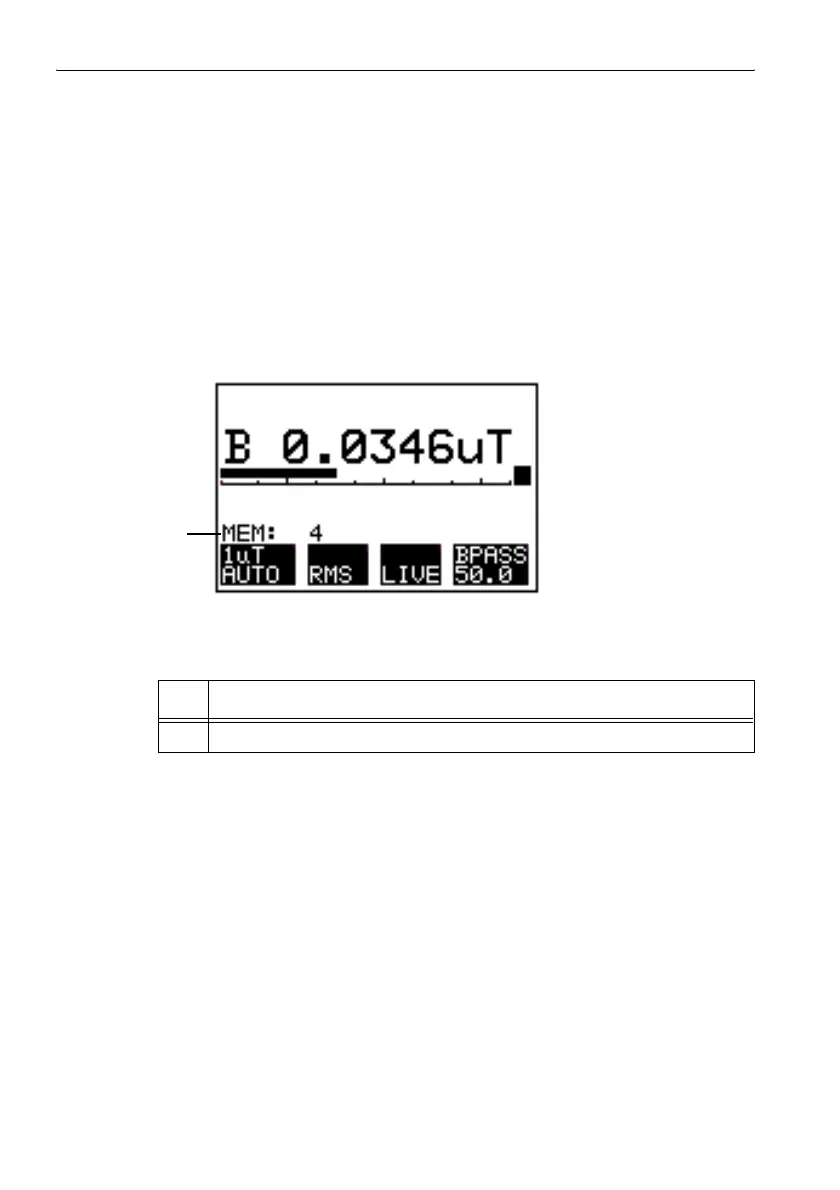
The message “MEM:” followed by the data set number (up to 4 digits)
appears as confirmation that the value has been saved.
Figure 7-1 Confirmation that a measured value has been saved
Example: Field Strength mode
Possible faults
The display shows the message “MEMORY FULL”.
All memory spaces are filled.
1. Press the ESC key to return to the measurement screen.
2. Delete data sets that are no longer required.
Deleting data: see page 7-18.
No. Function
1 Data set number (up to 4 digits)
Table 7-2 Confirmation that a measured value has been saved
1



 To Next Page