4-1
4 Control and display elements
For an overview of the position of all control and display elements, see the
figure in the back.
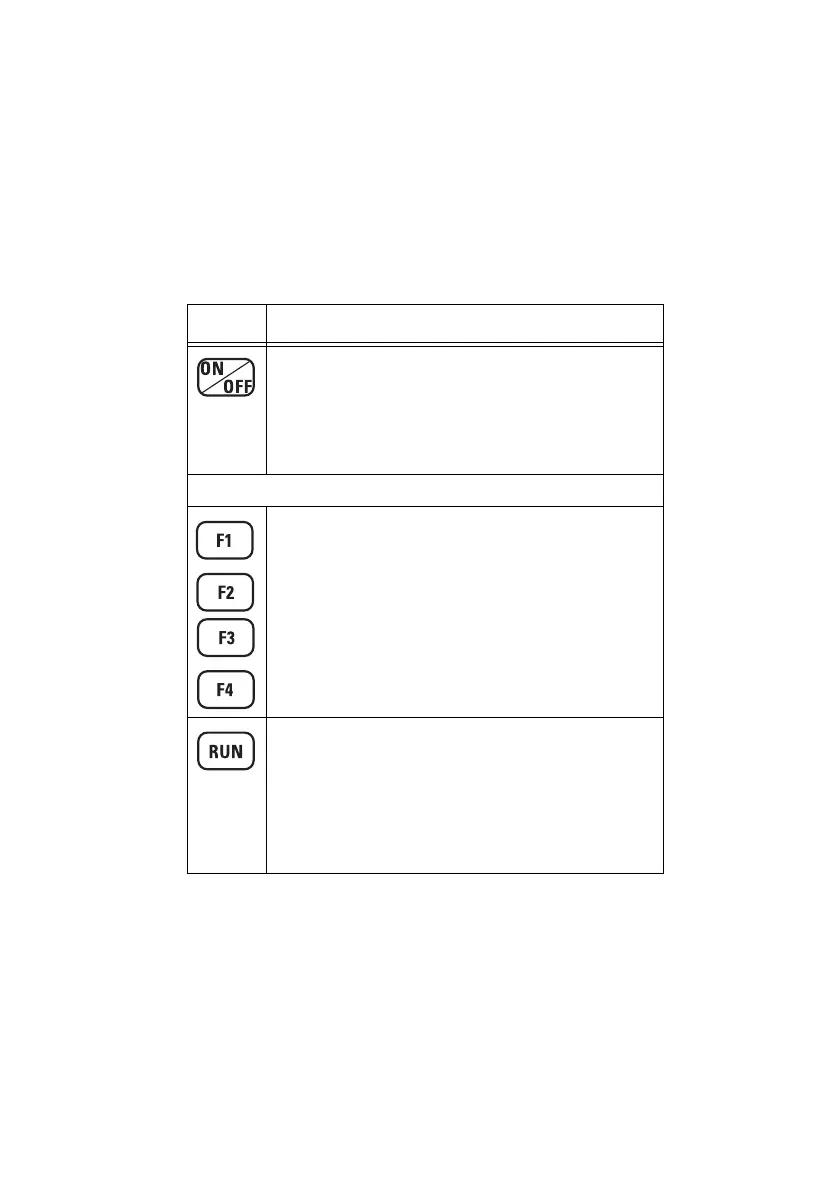
4.1 Basic Unit keyboard
Element Function
ON/OFF key
• Powers up the device with the settings that were
active when it was last powered down.
• Reset: Restarts the instrument when a fatal error
occurs if you hold down the key until the ON
indicator goes out (about 3 seconds).
Function keys
F1, F2, F3, F4 keys
Direct access to functions or sub-menus.
• Function changes according to operating mode and
current menu.
• Current functions are displayed in the display fields
F1 through F4 above the keys.
RUN key
Starts the measurement
• Starts measurement process immediately.
• Start and stops measurement processes in
Spectrum FFT and Harmonic Analysis modes.
• Allows jump back to the Measure menu from any
sub-menu.
Table 4-1 Keyboard overview



 To Next Page