6 Operating modes EFA-200/-300
6-2
6.1.1 Activating Field Strength mode
1. Press the MODE key.
The MODE menu lists all available operating modes.
2. Use the UP/DOWN keys to select the “FIELDSTRENGTH” function.
3. Press the ENTER key to confirm your selection.
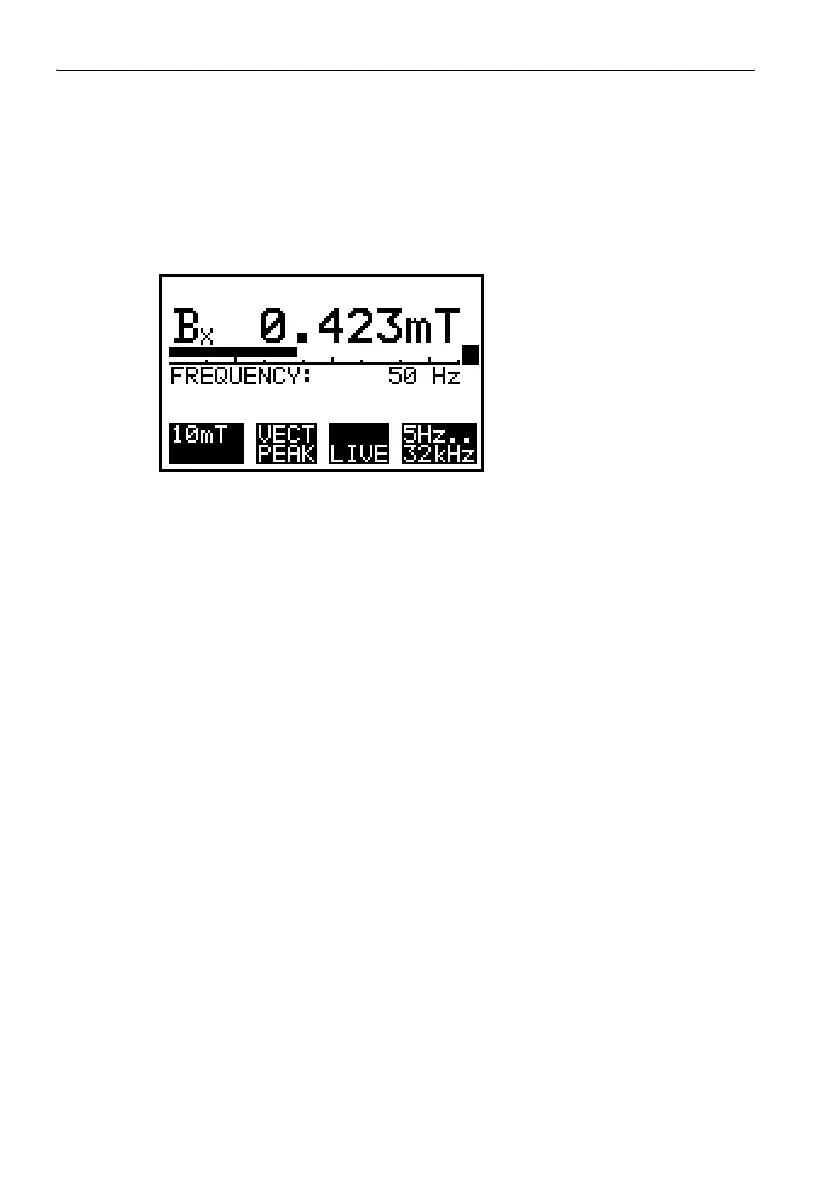
The Field Strength measurement screen is displayed.
Figure 6-1 Field Strength mode measurement screen
6.1.2 Selecting the measurement range
There are two ways to select the measurement range:
• By selecting a value from a selection menu
• By activating the “AUTO” function
The instrument selects the range matching the measured value
automatically.
Selecting a value from a selection menu
1. Press key F1 to open the selection menu.
2. Select the range using the UP/DOWN keys.
3. Press the ENTER key to confirm your selection.
The selected measurement range is shown in the display field F1.
Note: If the Alarm function is used, a higher measurement range than the
alarm threshold must be selected.
– or –
Activating the “AUTO” function
1. Press key F1 to open the selection menu.
2. Select the “AUTO” function using the UP/DOWN keys.



 To Next Page