EFA-200/-300 7 Measurement data memory
7-15
Opening the MEM SHOW menu
1. Press the MEM key.
The MEM menu opens.
2. Use the UP/DOWN keys to select the “SHOW” function.
3. Press ENTER to confirm your selection.
• The MEM SHOW menu opens.
• The last data set that was saved is displayed.
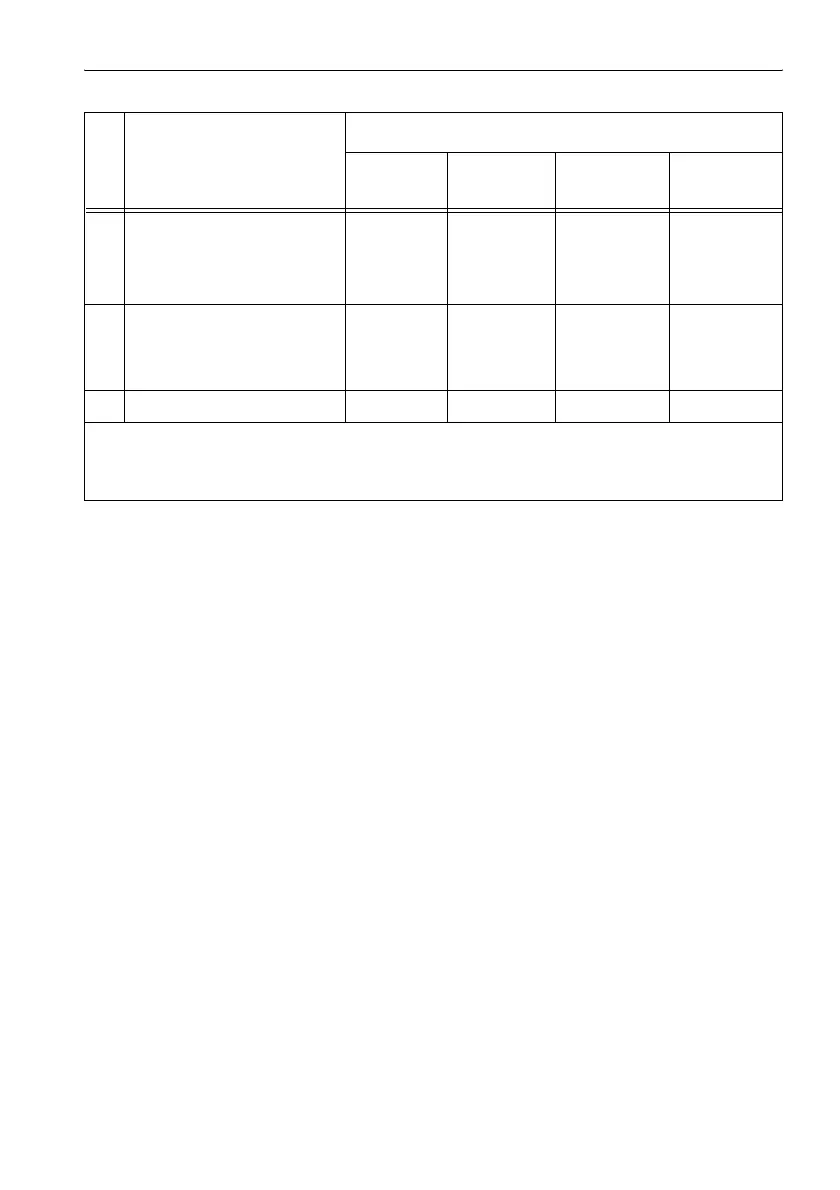
7 Frequency range used for
measurement
BP:
Bandpass
BS:
Bandstop
8 Value Field
strength
#
[T, G, V/m]
Exposure
#
[%]
Frequency
resolution
DF [Hz]
Field strength
of
fundamental
[T, G, V/m]
9 Validity marker x x x x
# With data set of type “A” and “M”:
Position “8” shows the maximum value of all the individual values included in the measurement series. The
individual values can be displayed on a PC after they have been exported.
Exporting data: see page 7-16
No. Function Operating mode
Field
Strength
Exposure
STD
Spectrum
FFT
Harmonic
Analysis
Table 7-5 Overview of MEM SHOW menu elements according to operating mode



 To Next Page