8 Setup and configure
92 NBM-550 Narda
Setting the power on behavior
You can use the Power On function to specify the
instrument setup that is loaded when you switch on the
NBM-550. The following settings are possible:
• Previous: The settings in use when the instrument was
last switched off are restored.
• Default: The settings saved under Default are restored.
Press the Power-On function key to toggle between the
two settings.
Note: The selection displayed is active.
8.3 Displaying instrument and probe
information
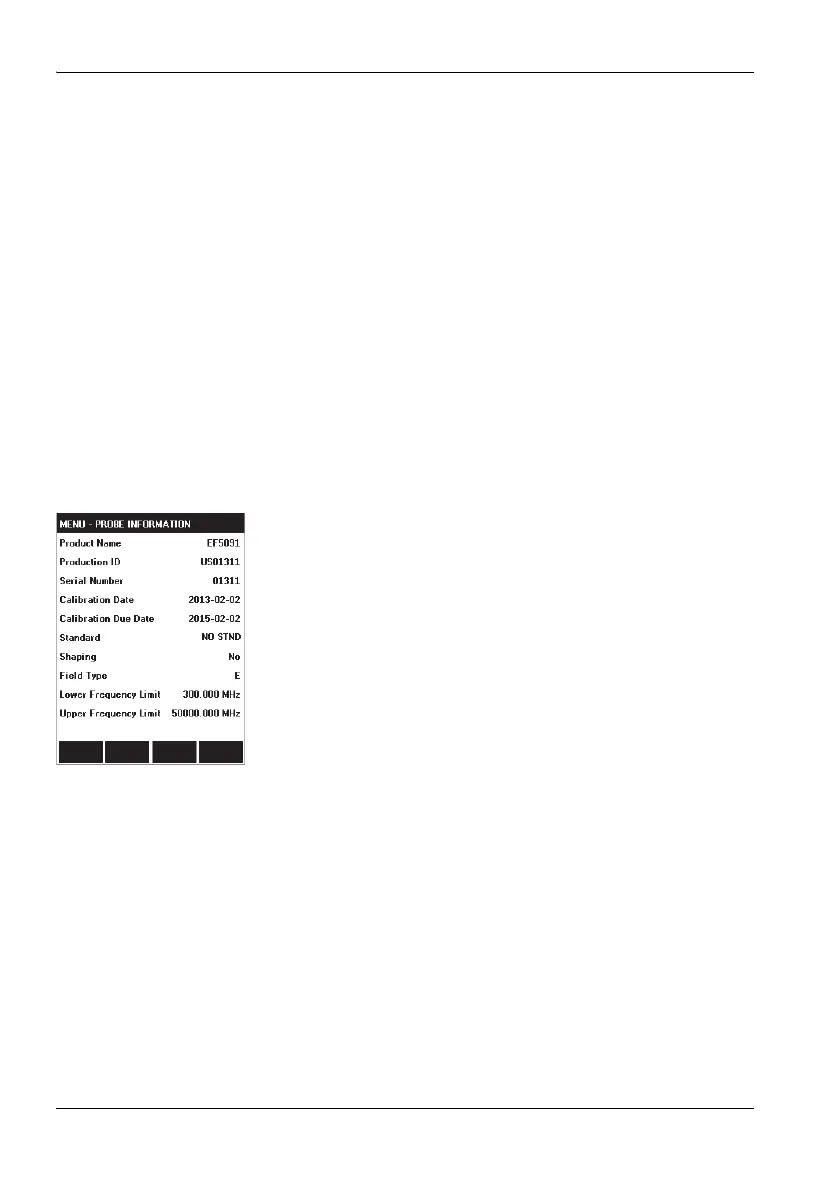
The following information is displayed in the INFORMATION
menu:
• Device Information: Information about the instrument,
including:
– The last and the next calibration,
– Option 1, 2,... (options installed)
• Probe Information: Information about the probe used
• Device Diagnostic: Service information
• Probe Test: Checking all 3 channels (Ch1...Ch3) with a
test source for proper operation
Displaying the information
Open the required function in the MAIN/INFORMATION/
... menu.



 To Next Page