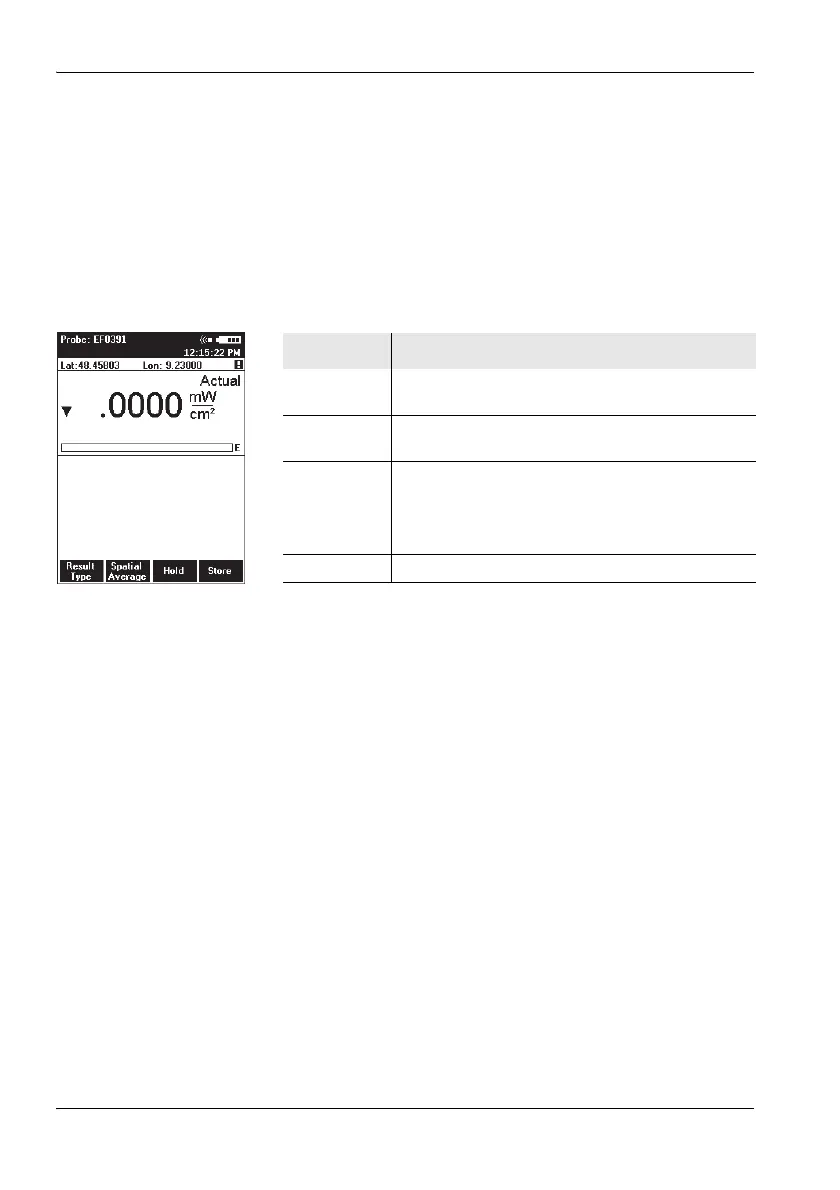
10 Overview of all menus and functions
102 NBM-550 Narda
10.1 Measurement menus
The four function keys in the measurement menus allow you
to select various functions.
Note: The function keys have the same functions in all display
modes (Normal, XYZ, Monitor, History), with the exception
of function key 1 (Result Type) which is inactive in Monitor
display mode.
Function Meaning
Result
Type
Selects the result type:
Actual, Max Hold, Average, Max Avg
Spatial
Average
Switches to spatial averaging
Hold Freezes the current (actual) measured value.
The function key label changes to Release after
you press Hold, and Hold flashes in the display.
Press it to unfreeze the measurement value.
Store Stores the current (actual) measurement value



 To Next Page