7.4 Managing result data
Narda NBM-550 85
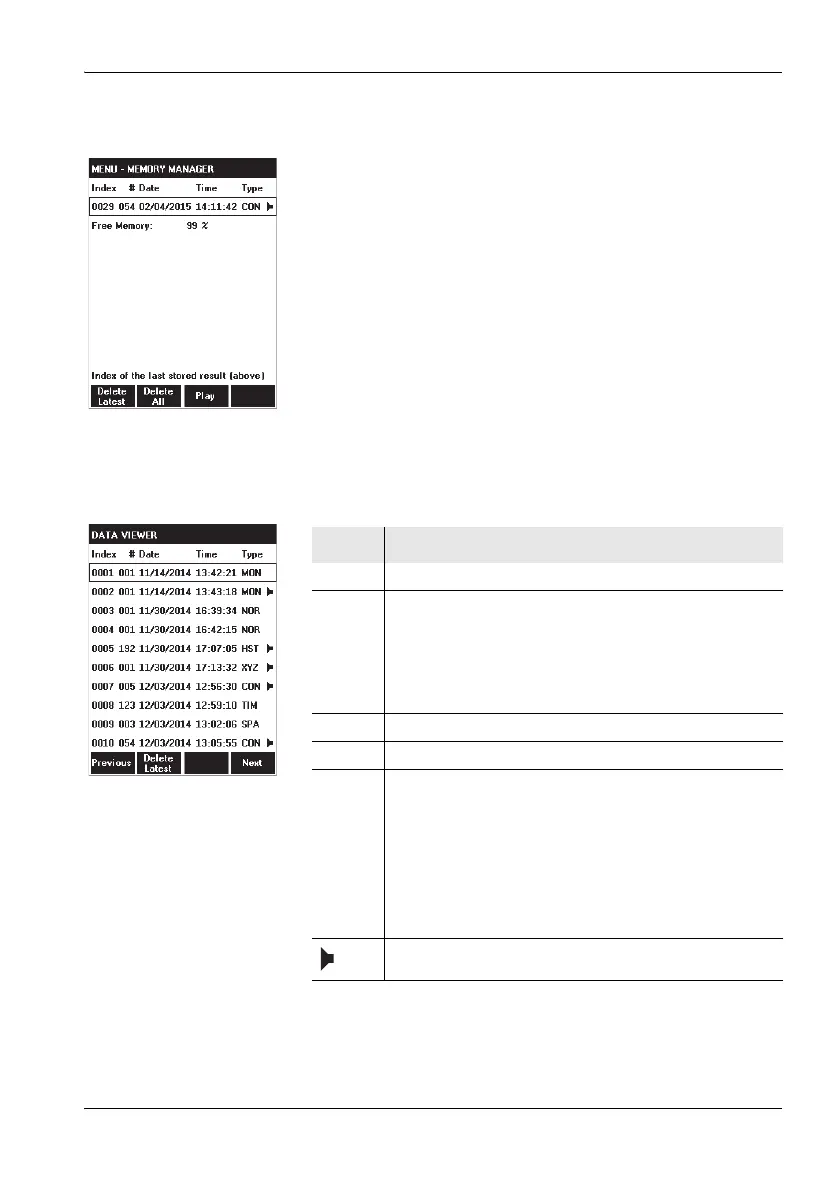
Using the Memory Manager
Open the MEMORY MANAGER menu (MAIN/...).
The last data set stored is displayed (refer to Table 5
for the meanings of the columns).
Press the Play key to play back the comment (if
available).
Press the Delete Latest key to delete the displayed
(= last) entry.
Press the Delete All key to delete all the data sets.
Using the Data Viewer
Displaying the stored measurement data
Press the Data Viewer function key in the MAIN menu.
The list of all stored data opens.
Table 5 Column meanings
Column Function
Index Consecutive number identifying the data se.
# Number of stored sub data sets within a measurement
series (max. 32000); always 1 for manually stored
results, since only one data set is stored each time).
A maximum of 999 sub data sets can be displayed on
the device (intervals or events). The NBM-TS PC
software enables complete evaluation of all data.
Date Date when the data set was stored.
Time Time when the data set was stored
Type Storage type:
• CON: Condition Logging
• HST: History mode
• MON: Monitor mode
• NOR: Normal mode
• SPA: Spatial Averaging
• TIM: Timer controlled (Timer Logging)
• XYZ: XYZ mode
A comment has been added.



 To Next Page