7 Recording and managing measured values
86 NBM-550 Narda
Paging through the overview list
Press the Previous or Next function key to page back or
forward in the list.
To display saved measurement data:
Use the arrow keys ▲/▼ to select an entry from the list
and press the OK key to open the entry.
The stored data are displayed.
Note: With the ▲/▼ arrow keys, you can scroll to the next or
previous entries.
Data Viewer display examples
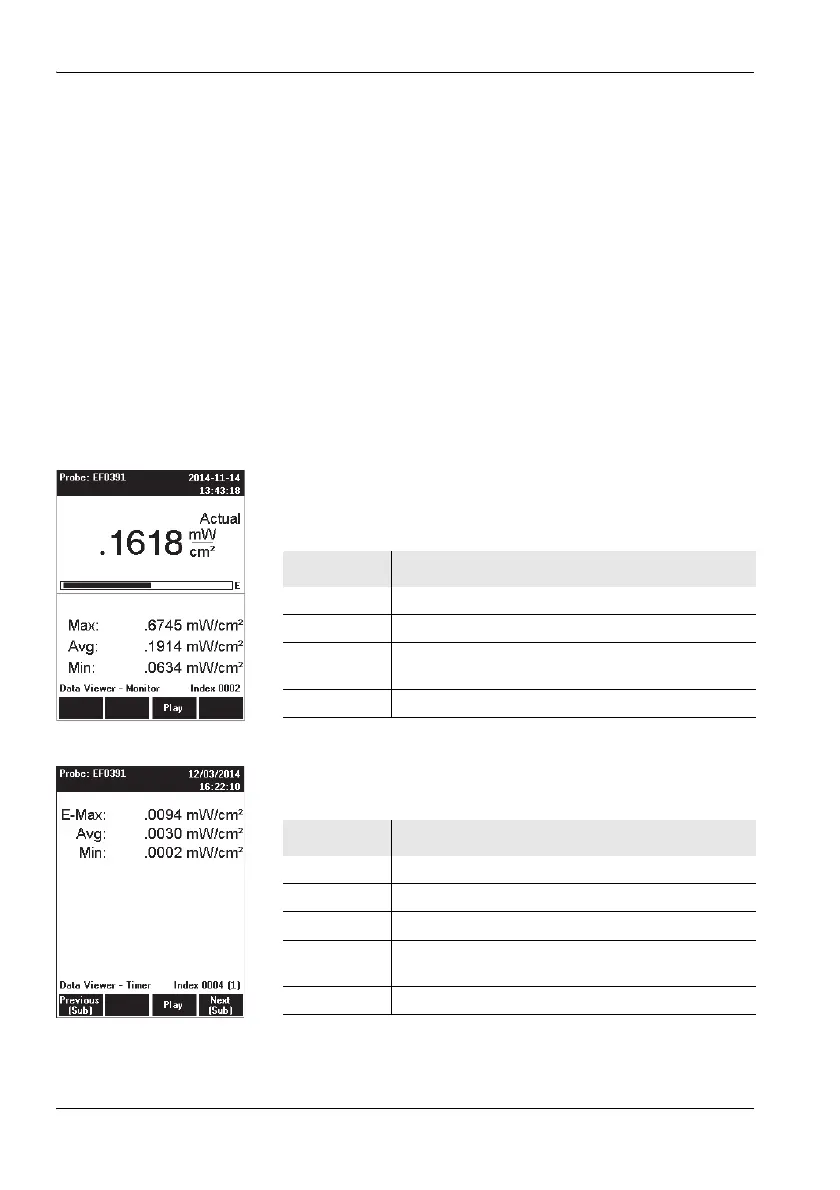
Some examples of the possible contents of the
measurement data memory are shown below. Results are
shown in the same format as for the measurement itself.
Example 1: Manual storing
Example 2: Timer Logging
Display Meaning
Values Monitor display mode, E-field.
Data Viewer Display is in Data Viewer mode.
Monitor Measurement values were saved in the Monitor
display mode.
Index 0002 The values were stored at memory position 2.
Display Meaning
Values Timer display mode
Data Viewer Display is in Data Viewer mode
Timer Values were stored by timer control
Index 0004 The series of values was stored at memory
position 4.
(1) First value in the series



 To Next Page