4 Getting started
40 NBM-550 Narda
Selecting the field type and units for
combination probes
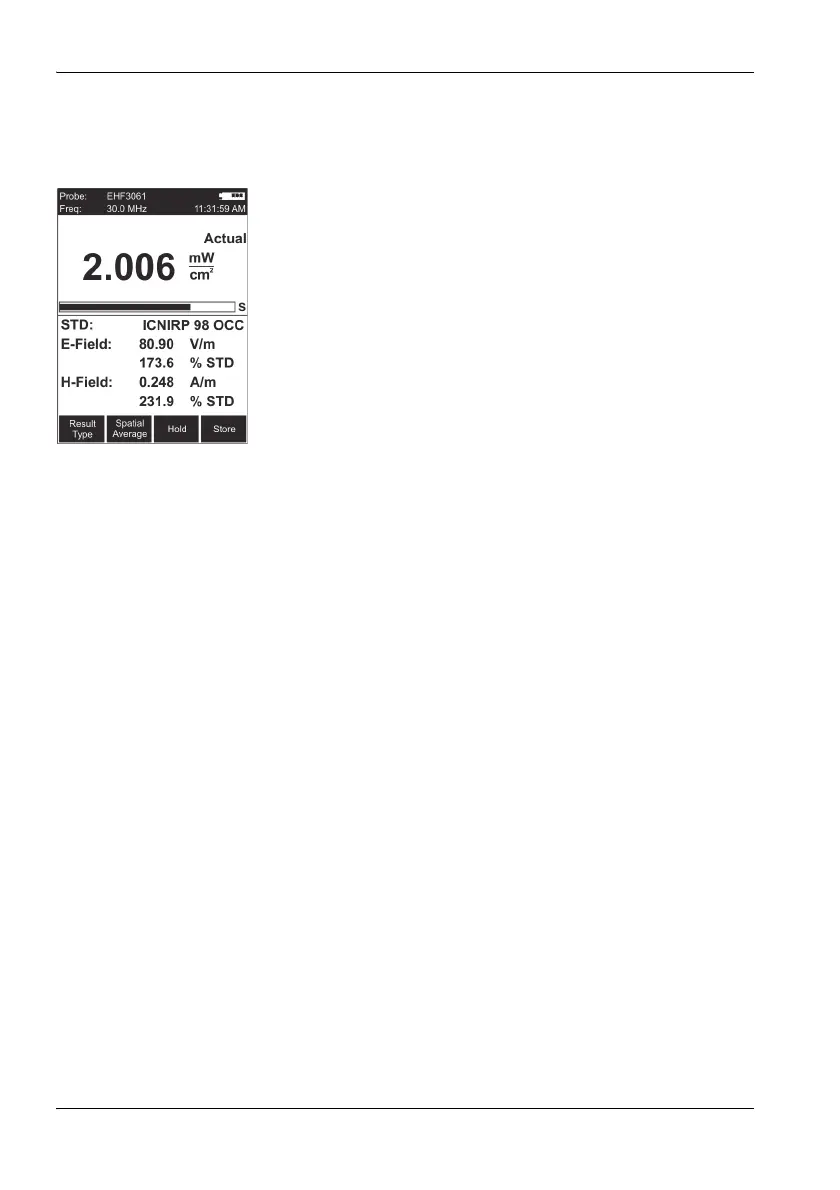
Combination probes can measure E-fields and H-fields at
the same time. If you are using a combination probe, you
can select the field that is to be measured and the units that
are to be shown in the lower half of the display
The simultaneous display of E and H-Field is only possible
in NORMAL display mode.
Setting the field type
1. Select the Combi Probe Use function (MAIN/
MEASUREMENT SETTINGS/Next...).
2. Use the arrow keys ▲/▼ to select the desired format:
– E-Field and H-Field
– E-Field only
– H-Field only
3. Press the OK key to confirm the selection.
Setting the units
1. Select the E+H Field Units function (MAIN/
MEASUREMENT SETTINGS/Next...).
2. Use the arrow keys ▲/▼ to select the desired units:
– Selected Unit: The units selected using the Unit
function key will be used
– V/m for E-fields and A/m for H-fields
3. Press the OK key to confirm the selection.
Note: For simultaneous display of E and H-Field, always select the
NORMAL display mode. In the other modes, display is
limited to the S-Field.



 To Next Page