10.7 Interface
Narda NBM-550 111
10.7 Interface
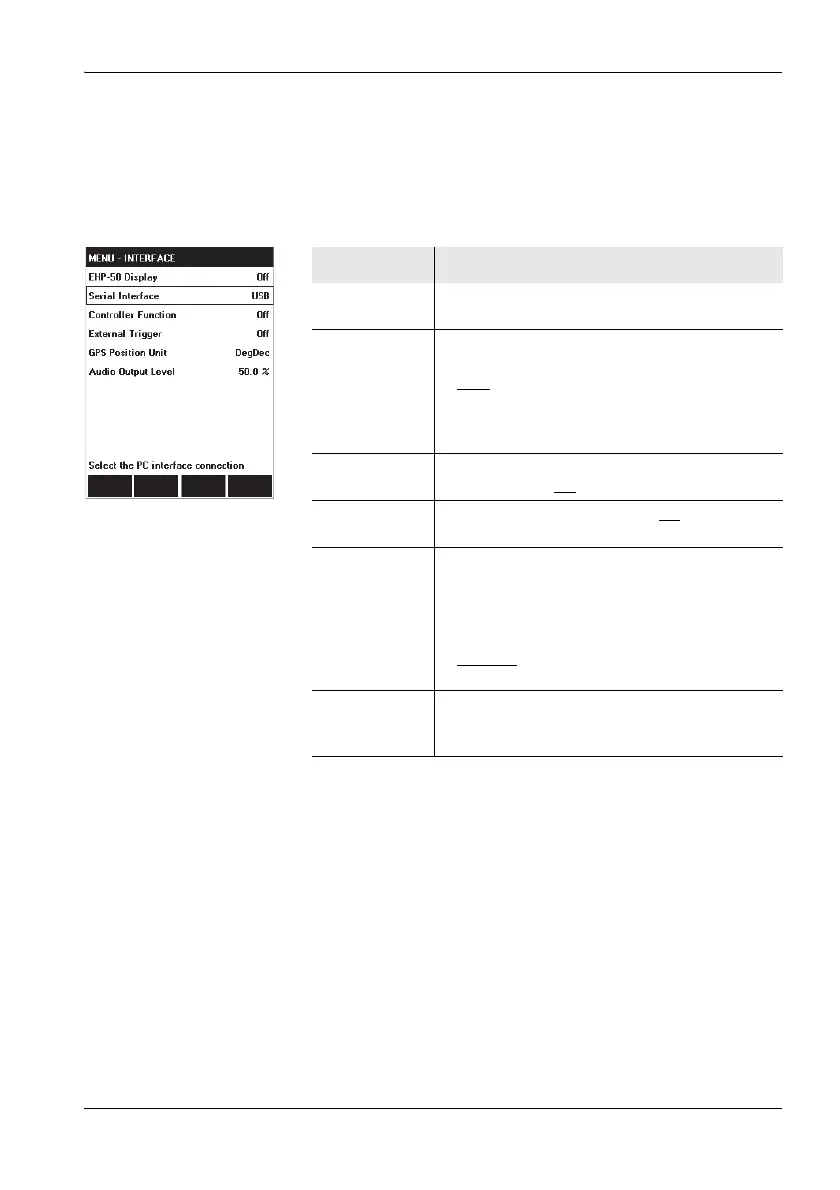
You can configure the interface, change the display of GPS
coordinates, and adjust the volume of the audio output
signal to the earphone using the INTERFACE menu.
Function Meaning
EHP-50
Display
LF measurement with EHP-50: On, Off
Serial
Interface
1)
1) Only displayed if EHP-50 display = off
Configures the serial interface for connection
with a PC:
•USB
: Connection via USB cable to the multi-
function socket
• Optical: Connection via optical duplex cable,
type RP-02
Controller
Function
1)
Use the NBM-550 to control another NBM-5xx
instrument: On, Off
External
Trigger
Trigger storage externally: On, Off
GPS Position
Unit
Changes the display of GPS coordinates:
• DMS: (d)dd° mm’ ss.s’’ N
e.g. Lat: 48° 48’ 10.5’’ N / Lon: 9° 15’ 00.0’’ E
• MinDec: (-)(d)dd° mm.mmm’
e.g. Lat: 48° 48.175’ / Lon: 9° 15.000’
• DegDec
: (-)(d)dd.ddddd°
e.g. Lat: 48.29166° / Lon: 9.25000°
Audio Output
Level
Sets the volume of the audio output to the
earphone (only functions with the Voice
Recording option)



 To Next Page