9.5 Performing a reset
Narda NBM-550 99
9.5 Performing a reset
If the instrument no longer responds, you can perform a
reset to initialize it.
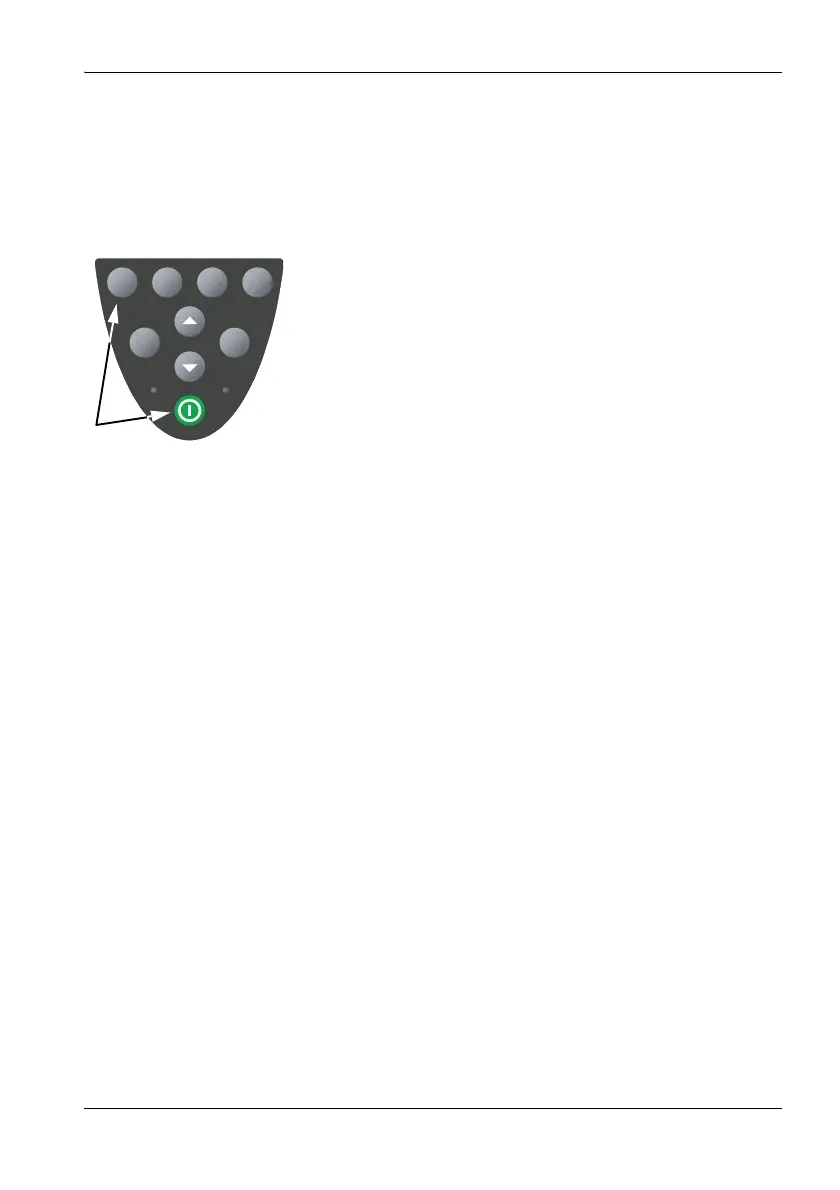
Performing a reset
Press the 1 function key and the On/Off key at the same
time.
The instrument restarts.
Note: A reset does not change any instrument parameters,
it only restarts the instrument.
Use the Setup menu to reset the instrument to the
factory default settings (see “Saving and loading
instrument settings” on page 90).
Clear Menu
Charge Status
ESC OK



 To Next Page