5.2 Measuring in Normal display mode
Narda NBM-550 47
Selecting a result type
Press the Result Type key repeatedly until the desired
result type is shown.
Freezing a measured value
Press the Hold key to freeze the measured value being
displayed at the moment.
Hold appears flashing in the display.
The button label changes to Release.
Press the Release key to resume the measurement.
Storing a measured value
You can store the measured values in an internal memory in
the NBM-550 for documentation.
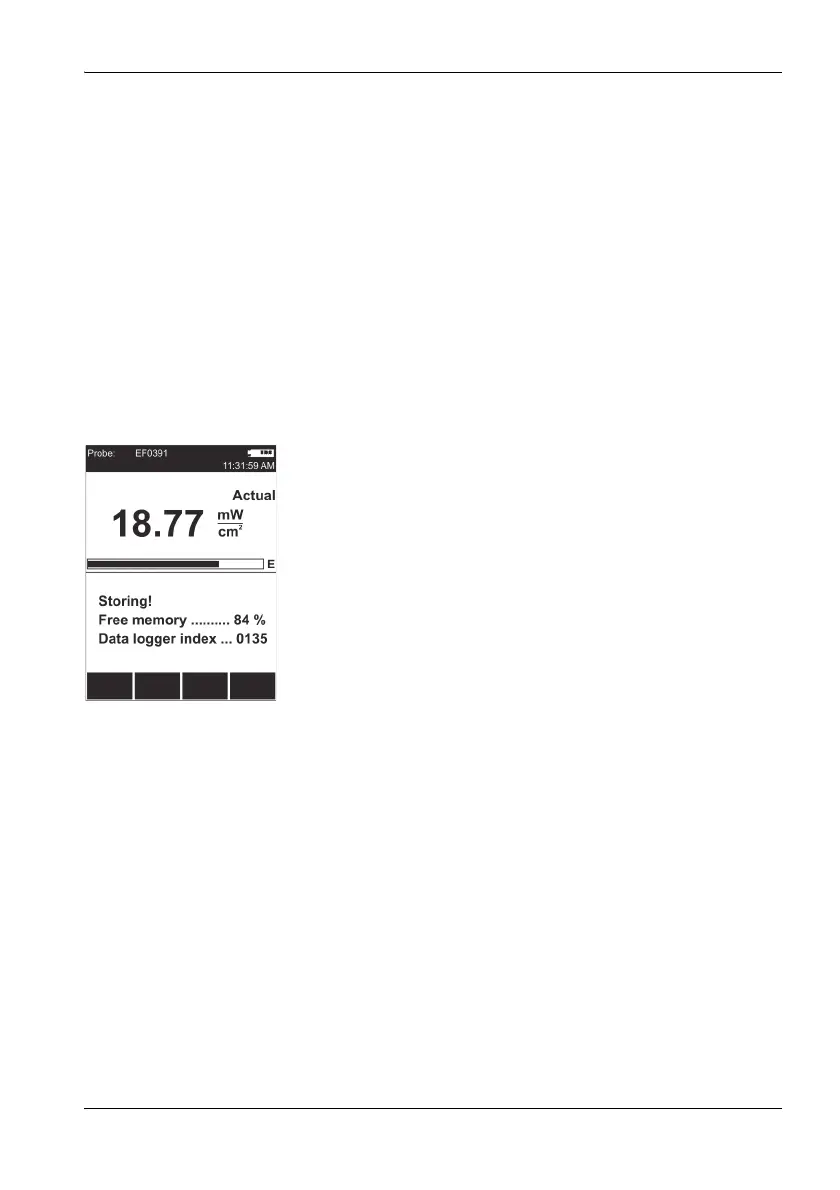
Storing a measured value
Press the Store key.
The measured value displayed at the moment is
stored with the date and time under the index number
displayed. The remaining memory space is also dis-
played.
You can also trigger storing of measured values using an
external signal.
Storing measured values using an external trigger
1. Open the External Trigger function
(MAIN/INTERFACE/...).
2. Use the arrow keys ▲/▼ to select the On setting and
press the OK key.
3. Connect the trigger cable (optional accessory) to the
multi-function socket and connect the other end (BNC) to
a control contact (e.g. closing contact of an odometer).
4. A measured value will be stored every time the contact
closes (just like pressing the Store function key).



 To Next Page