4.2 The NBM-550 operating concept
Narda NBM-550 33
The menu levels
The NBM-550 operating concept is context sensitive. It only
displays the functions that are possible based on the probe
being used, the settings selected, and the menu that is
open.
Settings are divided into different levels to separate
functions that are used often from those that are used less
often:
• 1st level: The measurement screen
• 2nd level: The main menu
• 3rd level: The sub-menus
• 4th level: The functions
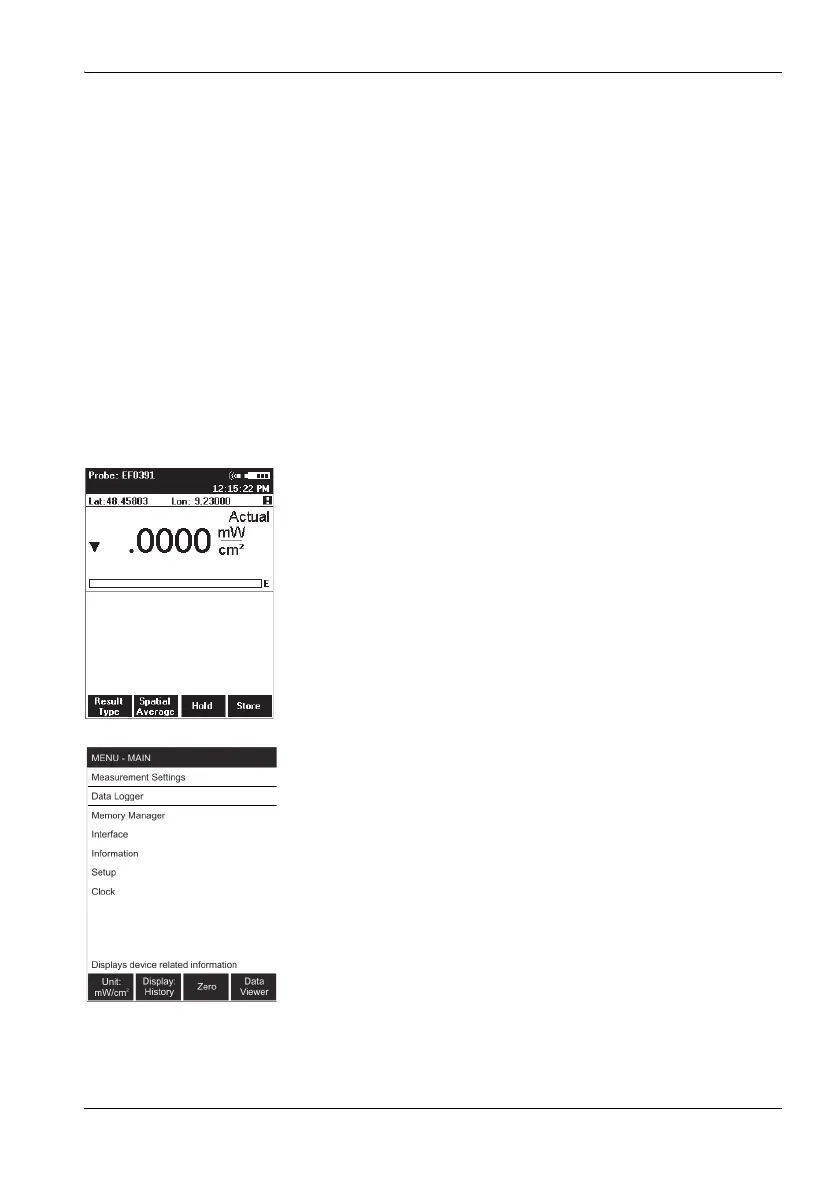
The measurement screen
You can directly activate a function or make a selection by
pressing one of the four function keys in the measurement
screen.
All other settings have to be made using the menus
described below.
The main menu
The MAIN menu opens when you press the OK key. All
other settings are made from this menu.
The most important settings are once again assigned to the
function keys in the MAIN menu.



 To Next Page