4 Getting started
34 NBM-550 Narda
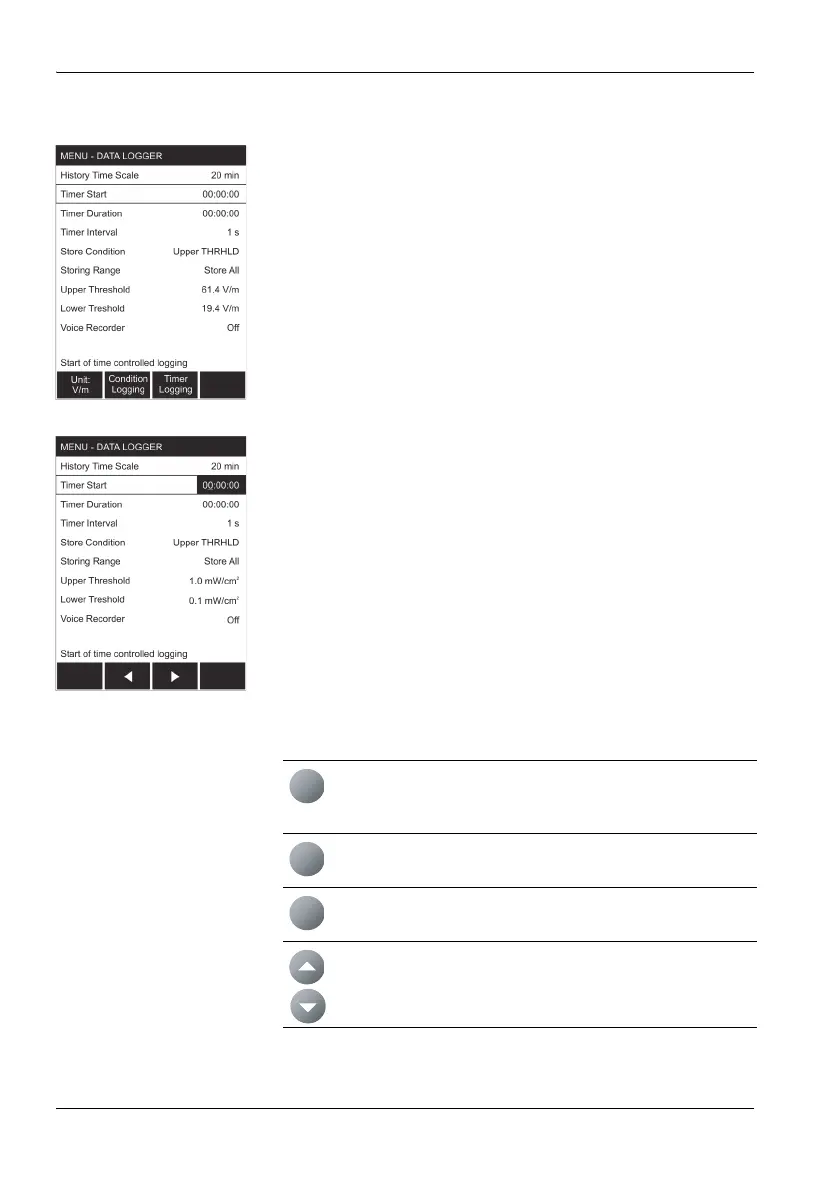
The sub-menus
Select a sub-menu from the MAIN menu and press the OK
key to open the selected sub-menu.
The example shows: DATA LOGGER.
The function levels
Select a function from the sub-menu and press the OK key
to open the selected function. You can then make the
settings you require or read out the desired information.
The example shows: Timer Start.
Navigating in the menus
Use the following keys to navigate through the menus and
select the functions:
Function keys
Select the function shown in the display, which depends
on the menu selected
ESC key
Exits from the menu (with or without making changes)
OK key
Opens a menu or a function and confirms a setting
▲/▼ key
Select a menu or a function and change values
ESC
OK



 To Next Page