6.3 General settings
Narda NBM-550 67
The magnetic field range is displayed in Gauss if you have
previously selected Gauss as the units.
To set the display to Gauss:
1. Open the Magnetic field unit function
Open the Frequency mode function
(MAIN MENU/MEASUREMENT SETTINGS/...).
2. Use the arrow keys ▲/▼ to select the Gauss setting and
press the OK key to confirm.
3. Press the ESC key twice to return to measuring mode.
Changing the result type
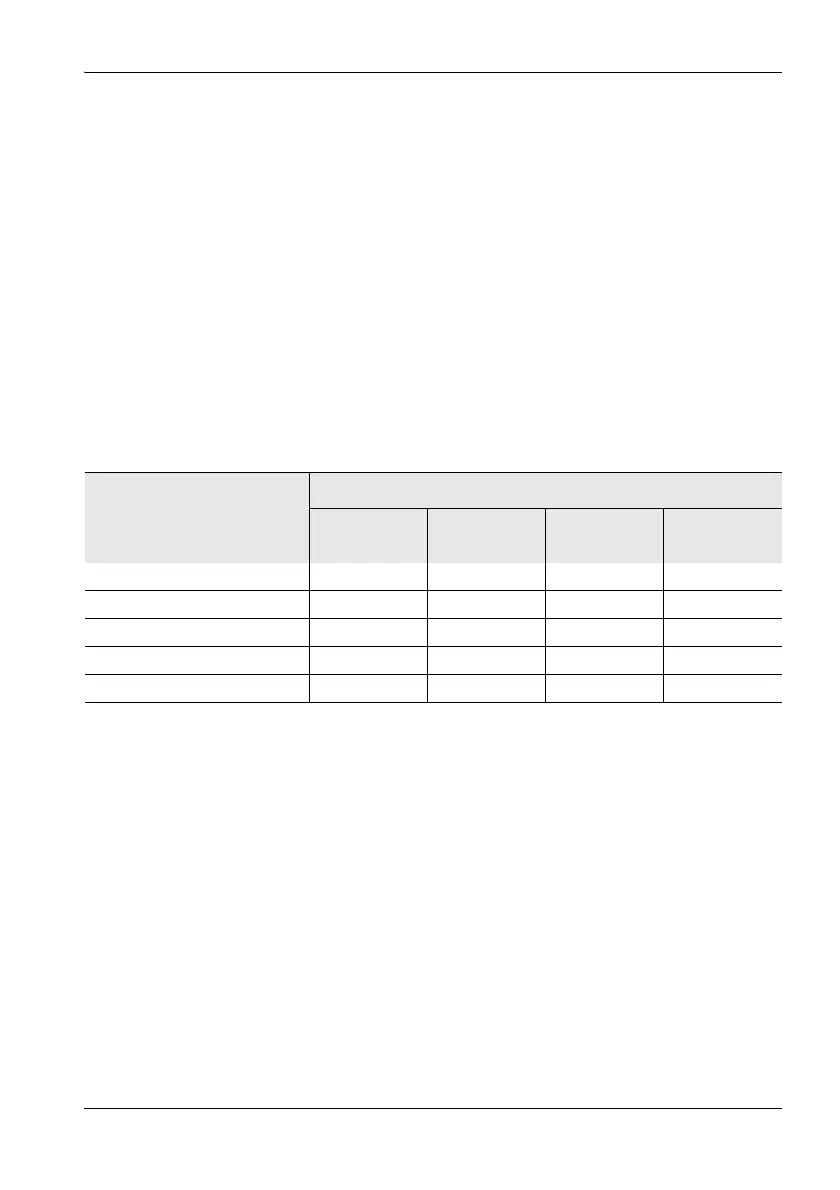
Different result types are available depending on the display
type. The table below gives an overview:
Maximum
The maximum measured value is retained.
You can reset the maximum value and restart the
measurement by pressing the ESC key.
Result type
ACT
(Actual)
MAX
(Maximum)
AVG
(Average)
MIN
(Minimum)
Monitor
1)
XXXX
XYZ X–––
Spectrum
2)
XXX–
Standard
2)
XXX–
WPM
2)
XX– –
1) All result types are shown simultaneously.
2) Only one result type can be selected at a time.



 To Next Page