10.9 Setup
Narda NBM-550 113
10.9 Setup
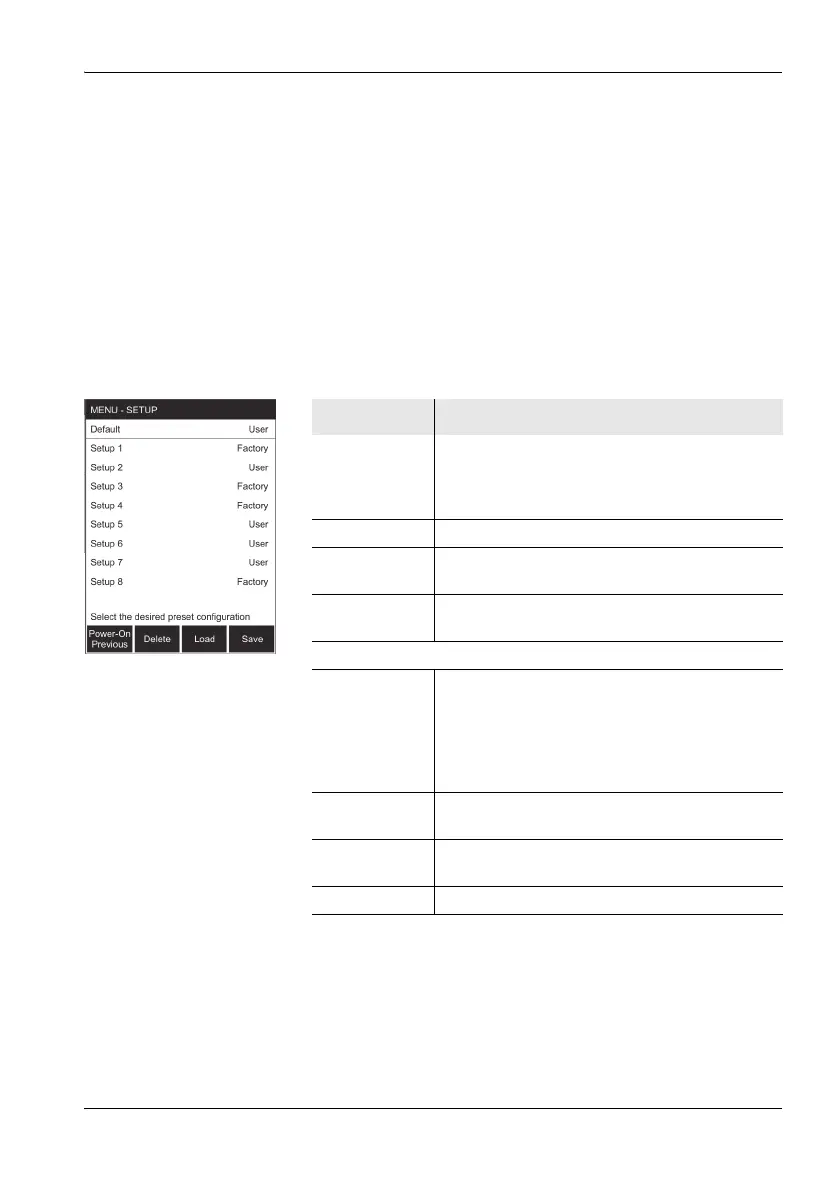
You can save and recall your instrument setups and specify
the power on behavior of the instrument in the SETUP
menu.
The following parameters are not changed by the setups:
• Language
• Serial Interface
• Controller Function
•Power On
• Contrast
Function Meaning
Default The instrument setup saved here is used when
you switch on the instrument if you have
selected the Default setting with the Power-On
function key.
Setup 1 – 8 Memory positions for storing instrument setups
User Indicates that you have stored your own settings
at this memory position.
Factory Indicates that the factory default settings are
stored at this memory position, not a user setup.
Function keys
Power-On Sets the power on behavior:
• Previous: The settings in use when the
instrument was last switched off are reloaded.
• Default: The settings in the Default memory
position are loaded when the instrument is
switched on.
Delete Deletes the user setup stored in a memory
position.
Load Loads the user setup stored in a memory
position.
Save Saves the current setup to a memory position.



 To Next Page