You cannot modify the attributes shown in the BANK page — they are automatically assigned
by MASCHINE.
3.5.3 The TYPES and MODES Pages
The TYPES and MODES pages display and let you modify the tags assigned to the file(s) se-
lected in the Result list above.
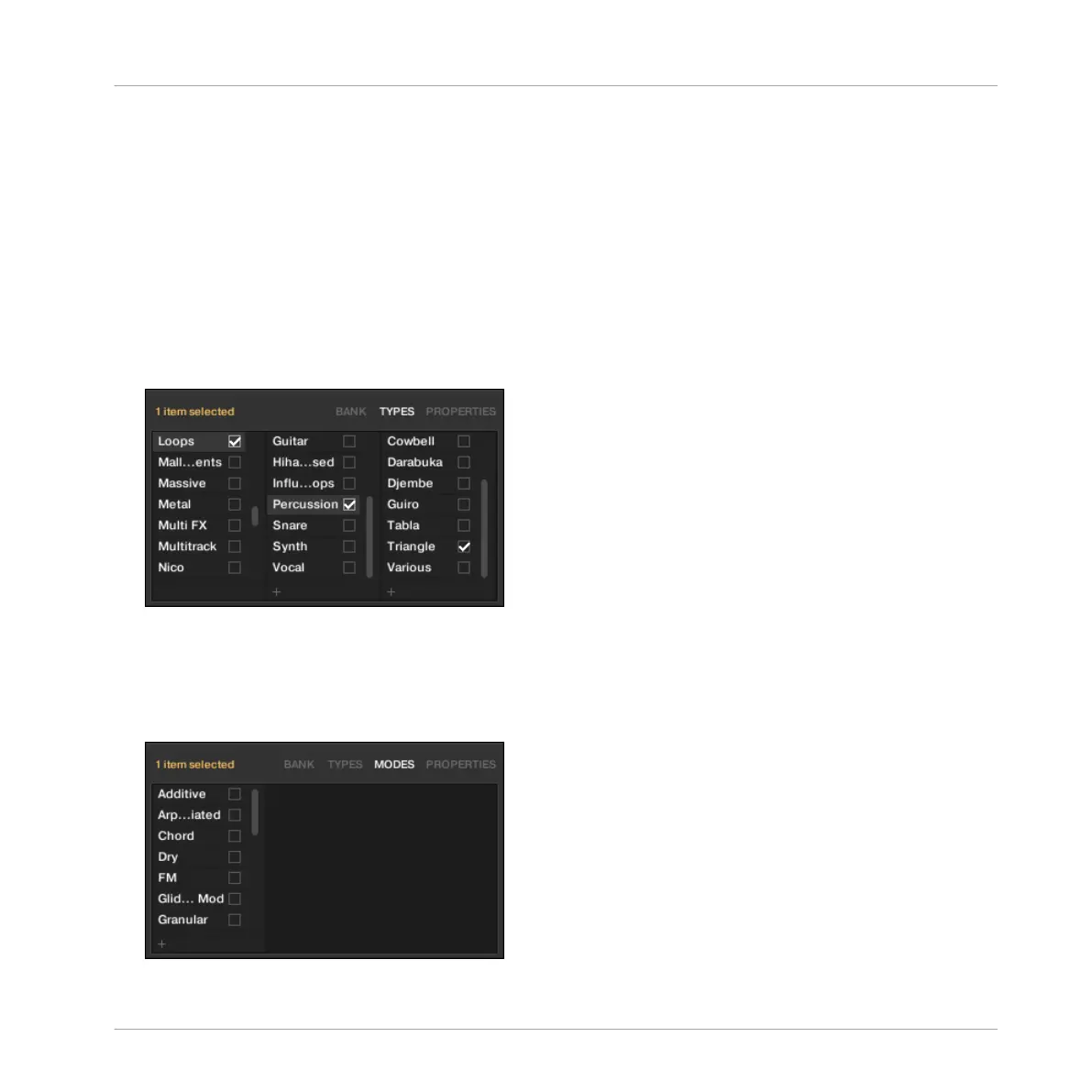
▪ The TYPES page is available for all file types when opening the Attribute Editor both from
the LIBRARY pane and the FILES pane. It shows three columns (for Projects, Groups,
Sounds, and Samples) or two columns (for Instrument and Effect presets) according to the
hierarchical levels of the Type tags (see section ↑3.2.6, Selecting Type and Mode Tags):
▪
The MODES page is available when opening the Attribute Editor from the LIBRARY pane to
edit the tags of Instrument and Effect presets. When opening the Attribute Editor from the
FILES pane to import new files, the MODES page is always available, however it will be
taken into account only if Instrument or Effect presets are imported. The MODES page
shows only one column:
Browser
Editing the Files’ Tags and Properties
MASCHINE - Manual - 142



 To Next Page