2.7 Integrating MASCHINE into Your MIDI Setup
You can quickly integrate MASCHINE into your MIDI setup.
You can use MIDI in MASCHINE in various ways. Notably:
▪ You can synchronize a MIDI Clock signal between MASCHINE and other MIDI devices:
↑2.7.2, Sync to External MIDI Clock and↑2.7.3, Send MIDI Clock.
▪ If you connect a MIDI keyboard to the MIDI IN, you can directly play the focused Sound
with it without having to set anything up.
▪ You can let particular Sounds and Groups react to incoming MIDI data and send MIDI data
to the desired port. More on these in section ↑8.2, Using MIDI Control and Host Automa-
tion.
▪ You can also switch Scenes remotely by sending MIDI Note or MIDI Program Change mes-
sages to MASCHINE. More on this in section ↑13.4, Triggering Scenes via MIDI (MA-
SCHINE Plug-in Only).
2.7.1 Connecting External MIDI Equipment
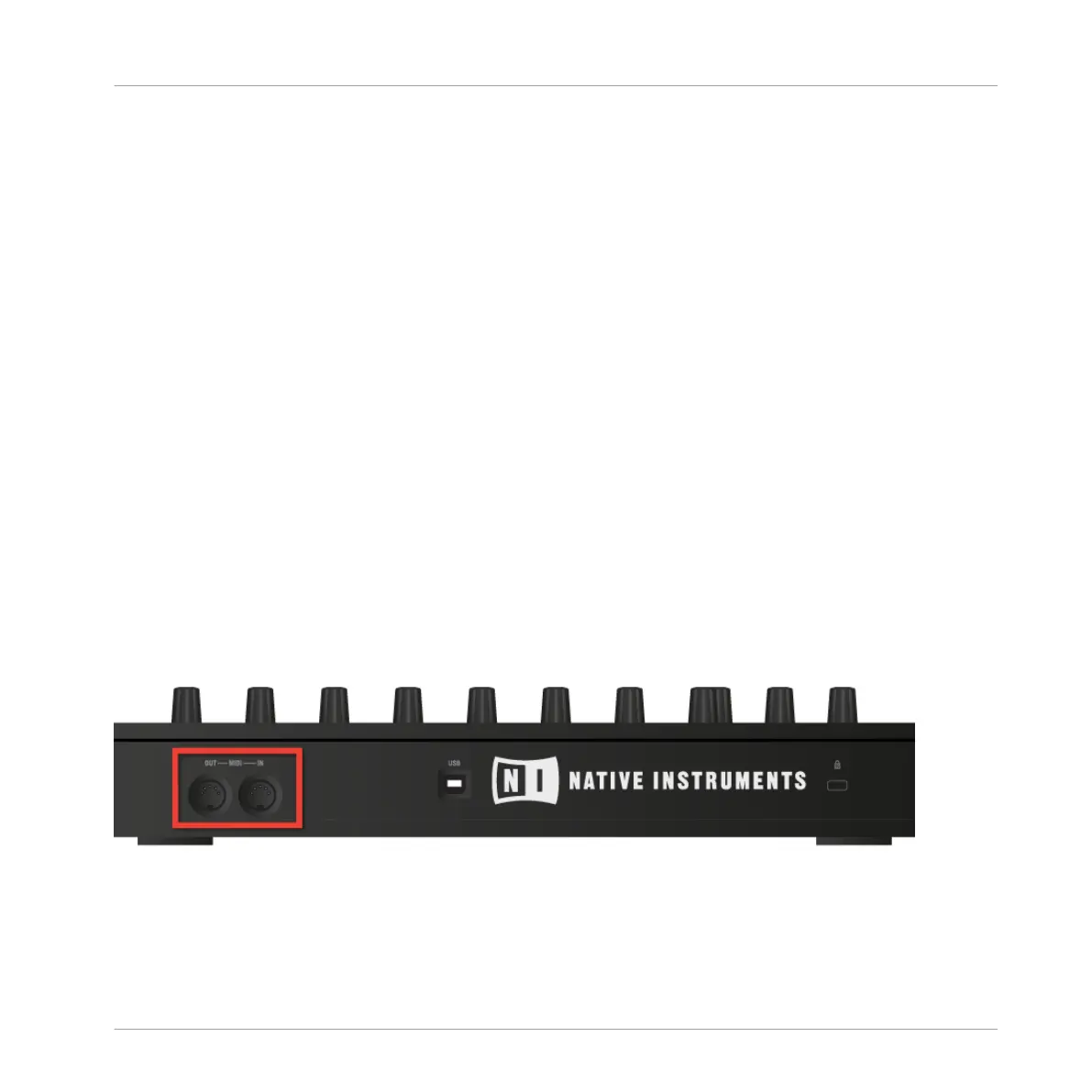
The MIDI sockets on the rear panel of the MASCHINE controller.
To connect your external MIDI equipment:
Basic Concepts
Integrating MASCHINE into Your MIDI Setup
MASCHINE - Manual - 93



 To Next Page