To shift the scale in octaves use Button 5 (octave down) or Button 6 (octave up). You can also
shift the scale in semitones: use Button 7 (semitone down) and Button 8 (semitone up). Of
course all these settings stay active when you press PAD MODE again to leave Pad Mode.
Try to experiment with all kinds of Samples in the Keyboard mode; some rather boring
sounding Samples can be really interesting if you play them very low or very high!
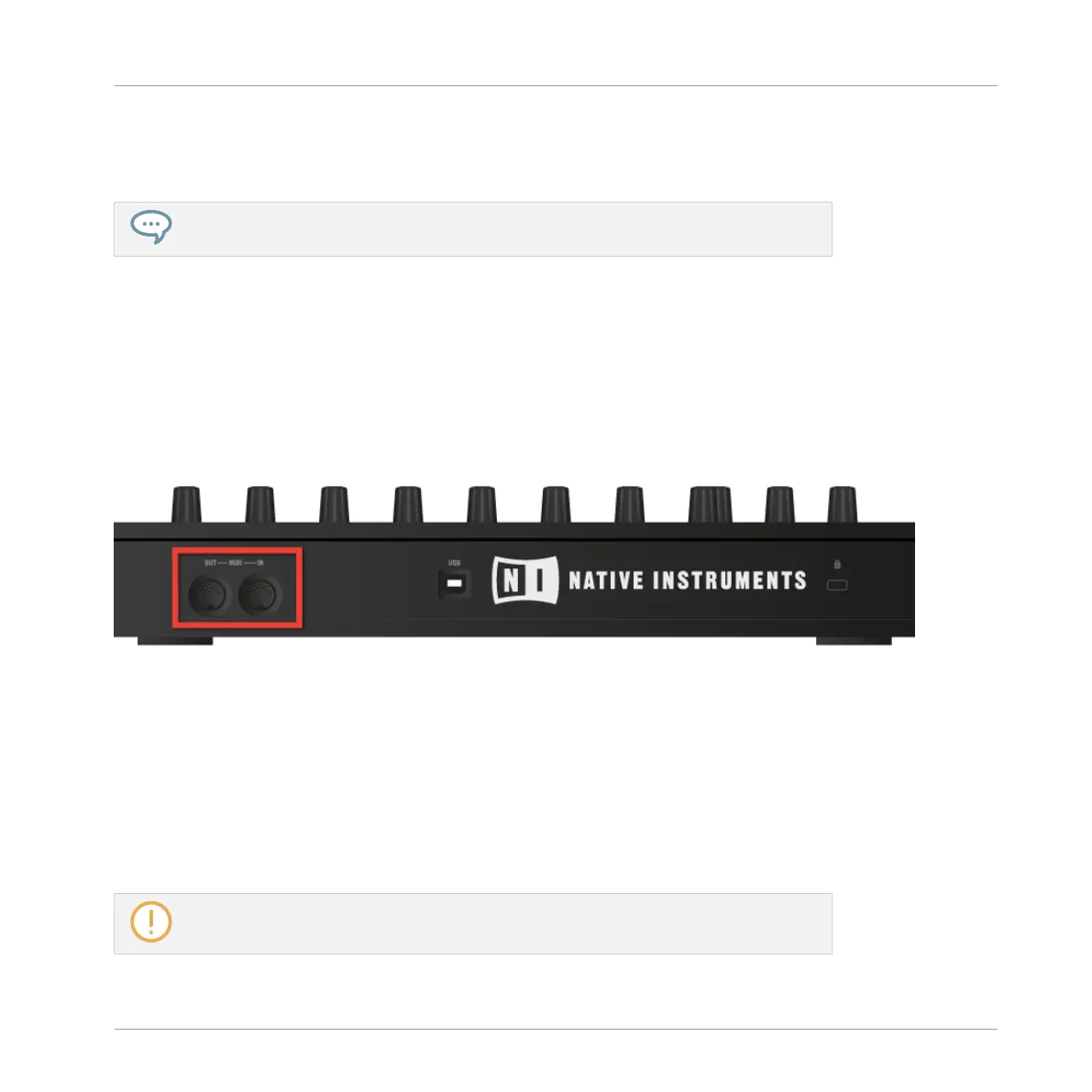
If you prefer to play your melodies with a MIDI keyboard, you can connect one to the MIDI In
socket of your MIDI interface. You can also use any USB-MIDI keyboard selected in the MIDI
page of the Preferences panel (see ↑2.6.3, Preferences – MIDI Page). By default the connect-
ed MIDI input device will always play the selected Sound without the need to enter Keyboard
mode.
The rear side of the MASCHINE hardware with the MIDI IN and OUT sockets.
5.1.3 Adjusting the Base Key
In Group mode, the base key defines the key (or pitch) at which the selected Sound will be
played when its pad is pressed. In Keyboard mode, it defines the key played by pad 1 on your
controller; pads 2–16 will then play keys from [base key + 1 semitone] up to [base key + 15
semitones].
The base key also affects the pitch of events created via the step sequencer. See section
↑7.3.1, Step Mode Basics for more information on this.
Playing on Your Controller
Adjusting Your Pads
MASCHINE - Manual - 217



 To Next Page