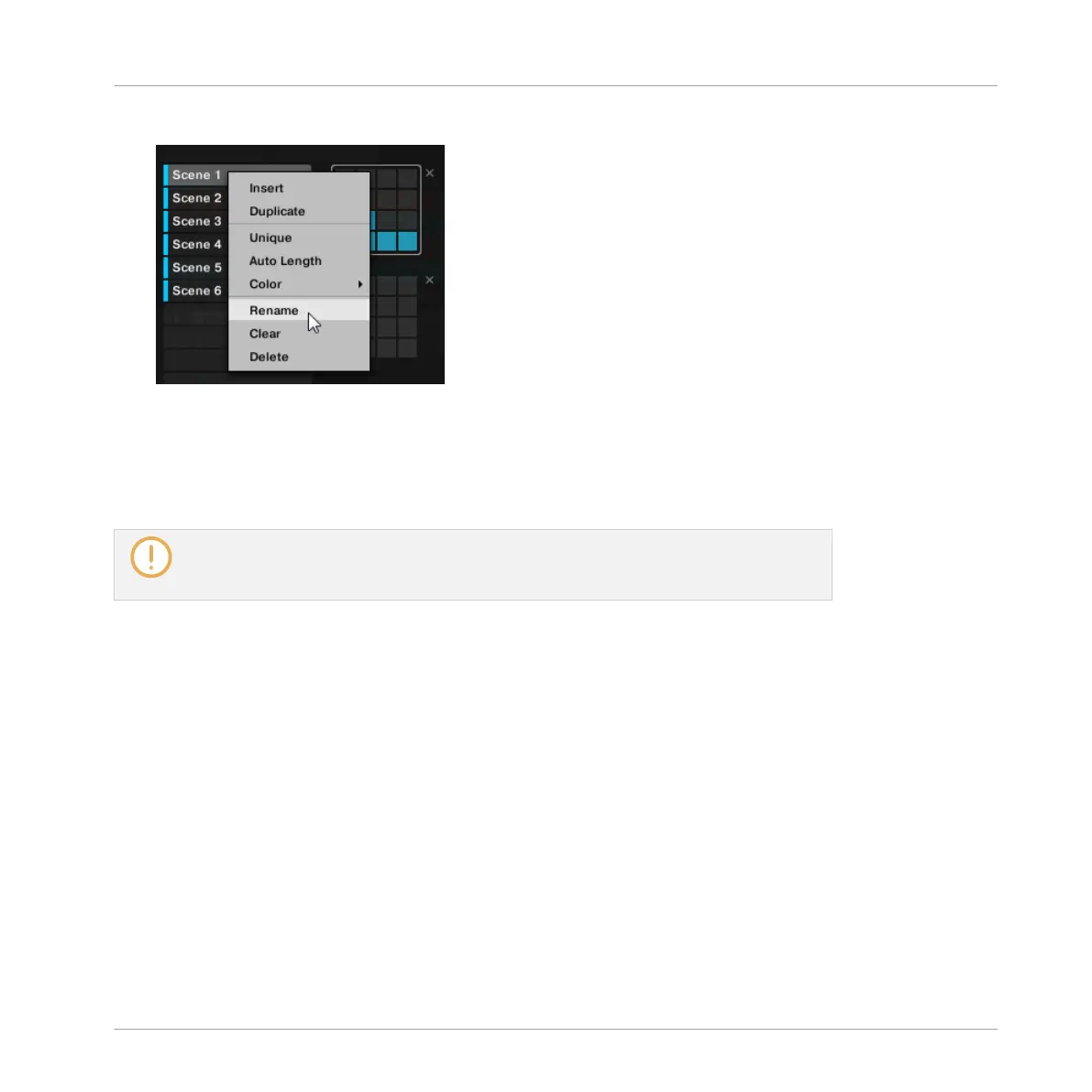
in the pad grid and select Rename from the context menu:
The Scene name gets highlighted and editable.
4. Type a name and press [Enter] on your computer keyboard to confirm (or press [Esc] to
cancel your change).
→
The Scene is renamed.
If you use MASCHINE as a plug-in, some hosts will utilize the [Enter] key, as it is map-
ped to some function of the host software. In this case, click anywhere else in the MA-
SCHINE plug-in window to confirm the name you have entered.
13.2.7 Changing the Scene’s Color
You can change the color of each Scene in the software. To do this:
Creating a Song Using Scenes
Managing Scenes
MASCHINE - Manual - 722



 To Next Page