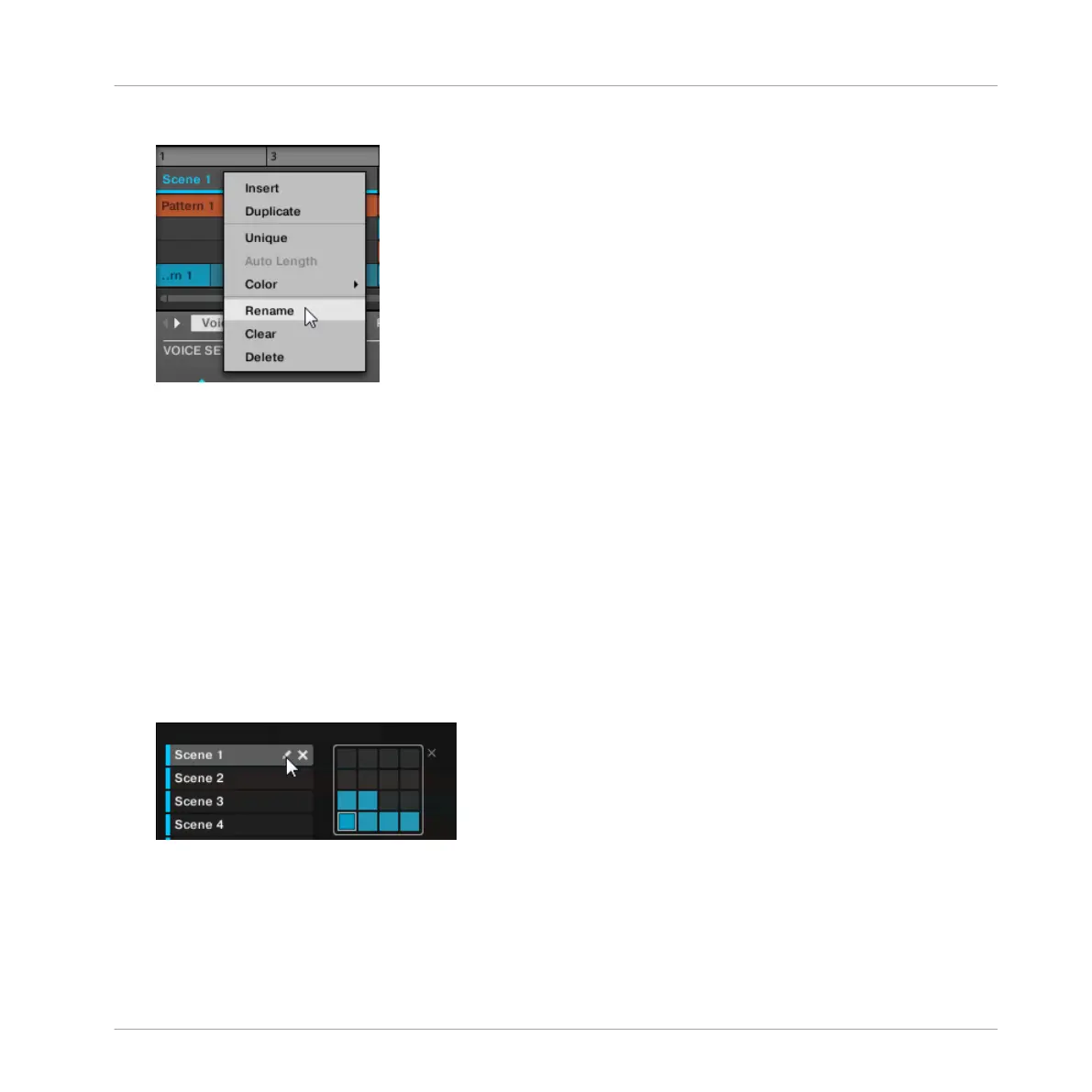
in the pad grid and select Rename from the context menu:
The Scene name gets highlighted and editable.
2. Type a name and press [Enter] on your computer keyboard to confirm (or press [Esc] to
cancel you change).
→
The Scene is renamed.
Renaming Scenes in the Scene Manager
To rename a Scene in the Scene Manager:
1. Open the Scene Manager (see ↑13.2.1, Scene Management Overview).
2. If necessary, select the Scene bank containing the desired Scene by clicking its pad grid
on the right.
3. On the right of the Scene slot, click the little pen icon:
You can also right-click ([Ctrl]-click on Mac OS X) the Scene slot or the corresponding cell
Creating a Song Using Scenes
Managing Scenes
MASCHINE - Manual - 721



 To Next Page