2.2.2 Showing/Hiding the Browser
►
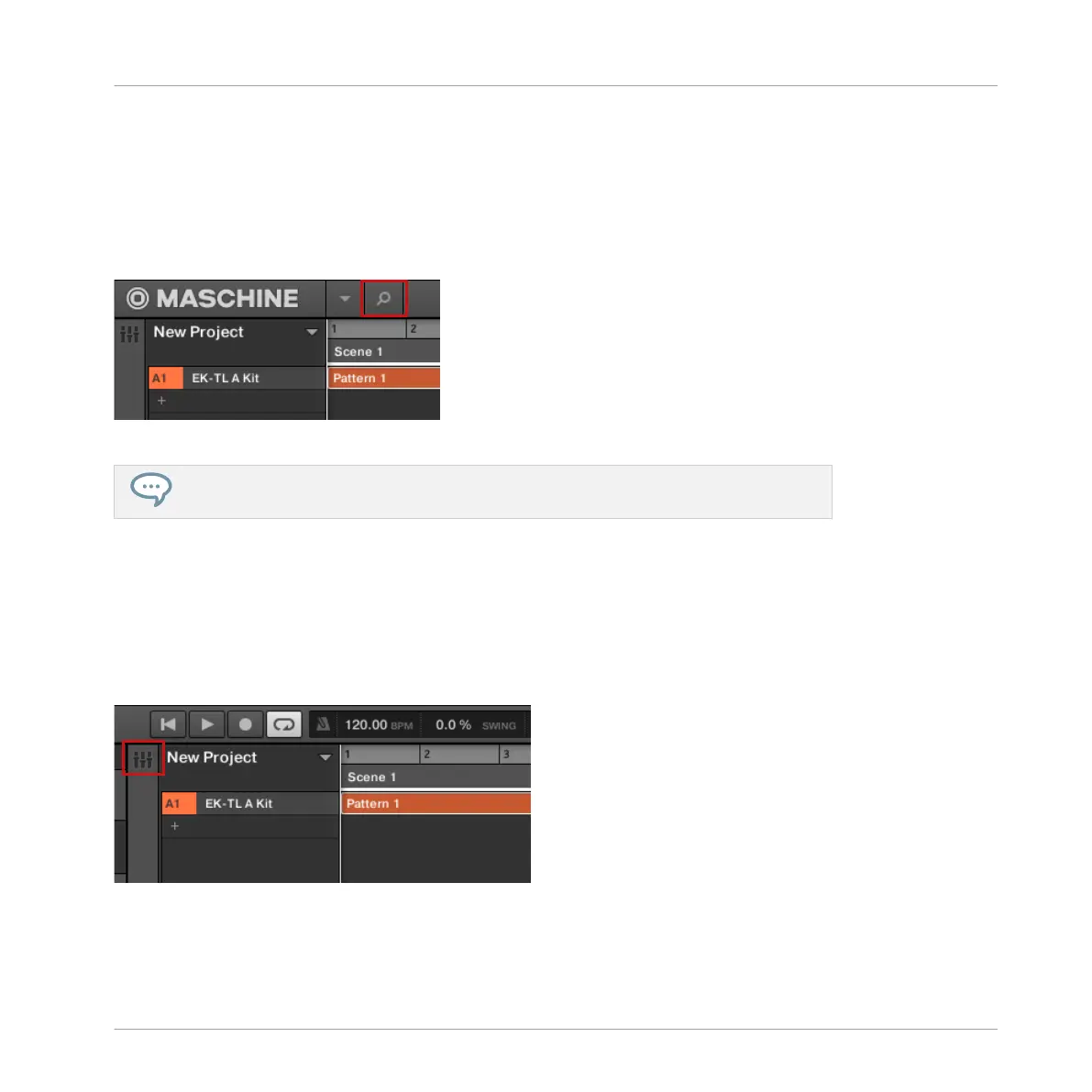
Click the Browser button (with the magnifier symbol) in the Header to show and hide the
Browser. You can also select Browser from the View menu in the Application Menu Bar or
from the View submenu in the MASCHINE menu.
The Browser button in the Header.
You can also show/hide the Browser from your computer keyboard via the [F4] function
key.
2.2.3 Switching between Arrange View and Mix View
►
Click the Mix View button at the top left of the Arranger to switch between the Arrange
view and the Mix view. You can also select Arranger or Mixer from the View menu in the
Application Menu Bar or from the View submenu in the MASCHINE menu.
The Mix View button.
Basic Concepts
Adjusting the MASCHINE User Interface
MASCHINE - Manual - 32



 To Next Page