3. Press Button 2 LINK.
4. Press the pad that you want to duplicate the Scene to.
→ A linked duplicate copy will automatically be updated when the original Scene or Pattern
is changed. See ↑2.6.4, Preferences – Default Page for more information.
13.2.10.4 Making Scenes Unique
At any time, you can make a linked Scene totally unique. This will create a new Scene in the
same location, and will also create new Patterns. You are then free to edit the Patterns in the
Scene, or the data in the Patterns, without affecting any of the original Scenes. This is great
for when you want to introduce variations into a song structure that’s been made with linked
Scenes.
To make a Scene unique in the MASCHINE software:
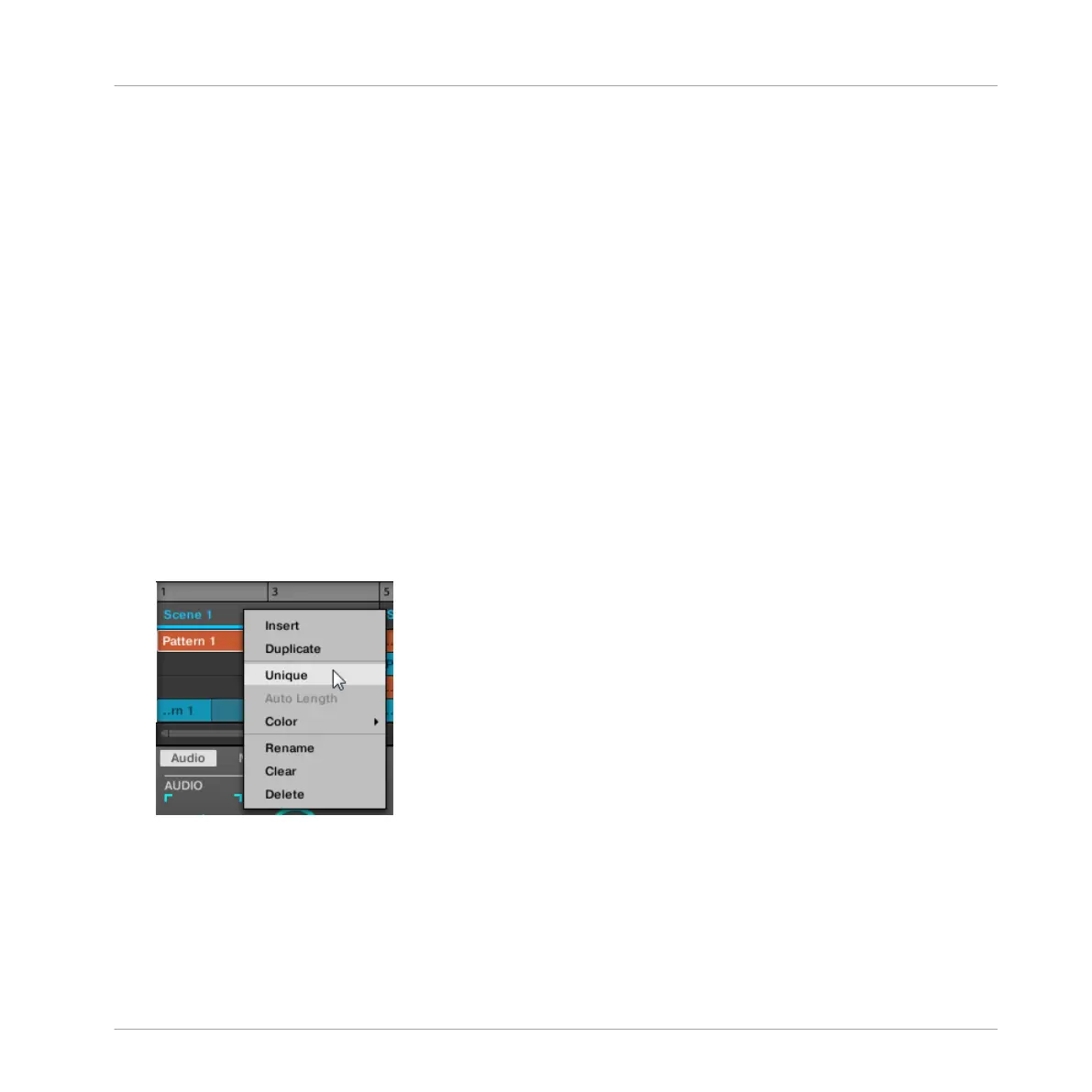
1. Right-click (or ([Ctrl]-click on OS X) the Scene you want to make unique in the Timeline.
The context menu will open.
2. Click Unique.
→ The Scene will become independent of any Scenes it was linked to and the Patterns can
be edited without affecting any the original Scenes.
Making a Scene Unique on the Hardware
To make a Scene unique on the hardware:
Creating a Song Using Scenes
Managing Scenes
MASCHINE - Manual - 730



 To Next Page