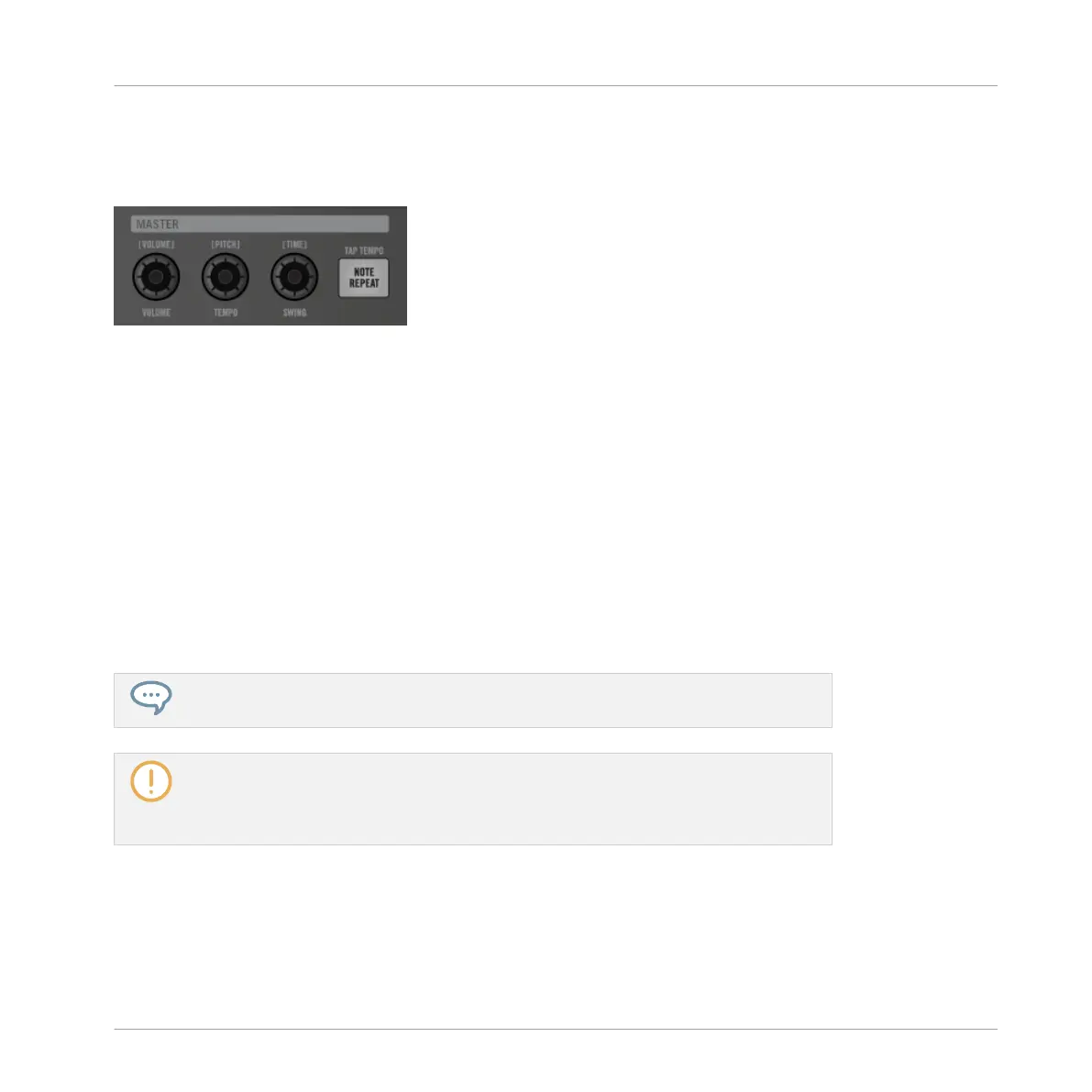
You can quickly alter the output level, the tempo, and the groove of the Master as well as the
output level, the tune, and the groove of any Group or Sound via the MASTER section of your
controller.
The MASTER section of your controller.
Level Shortcuts
1. To change the output level of the Master (i.e. the overall output level of MASCHINE), sim-
ply turn the VOLUME knob.
2. To change the output level of a Group, hold its Group button (first navigate to its Group
bank if necessary) and turn the VOLUME knob.
3. To change the output level of an individual Sound, hold its pad (or hold SELECT + its pad
if pads are in Keyboard mode) and turn the VOLUME knob. In Keyboard mode you can
also press SELECT + the pad of the desired Sound, then hold any pad (i.e. any pitch of
that Sound) and turn the VOLUME knob.
→
The adjusted level value is temporarily shown on the left display.
Hold SHIFT while you turn the knob to adjust the value in finer increments.
These shortcuts control the LEVEL parameter in the AUDIO page of the Master’s,
Group’s, and Sound’s Output properties, respectively. See section Configuring the Main
Output of Sounds and Groups and Configuring the Master and Cue Outputs of MA-
SCHINE for a detailed description of these properties.
In the software you can also adjust the output level of the Master via the Master Volume slider
in the Header:
Playing on Your Controller
Playing Tools
MASCHINE - Manual - 237



 To Next Page