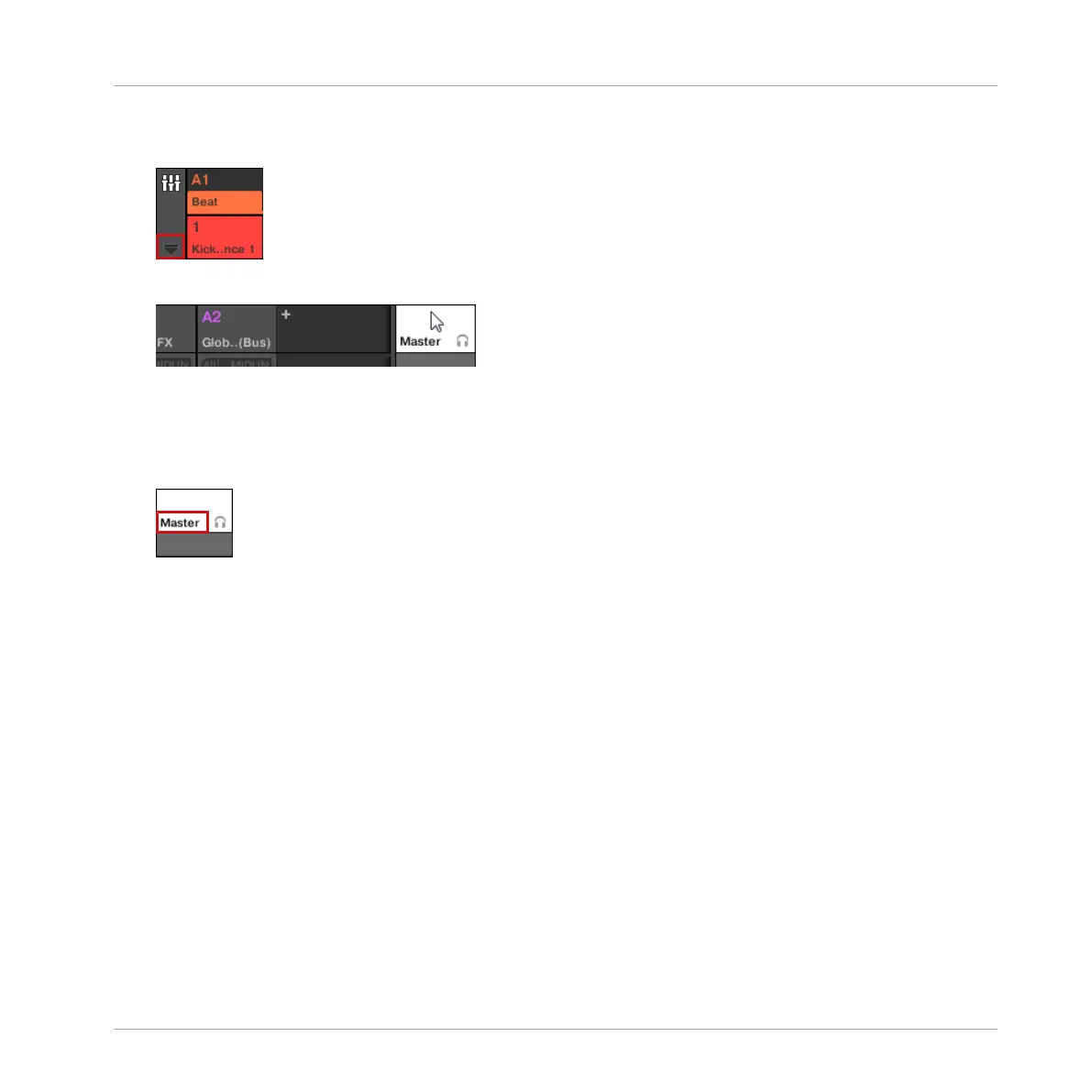
2. Open the extended view of the Mixer by clicking the down-pointing arrow on the left of the
Mixer:
3. Click the background of the last header in the top right corner of the Mixer.
The Master/Cue channel strip appears underneath.
In this Master/Cue channel strip, do the following to configure the output of the Master chan-
nel:
1. Click Master in the strip’s header to show the controls for the Master channel.
Audio Routing, Remote Control, and Macro Controls
Audio Routing in MASCHINE
MASCHINE - Manual - 419



 To Next Page