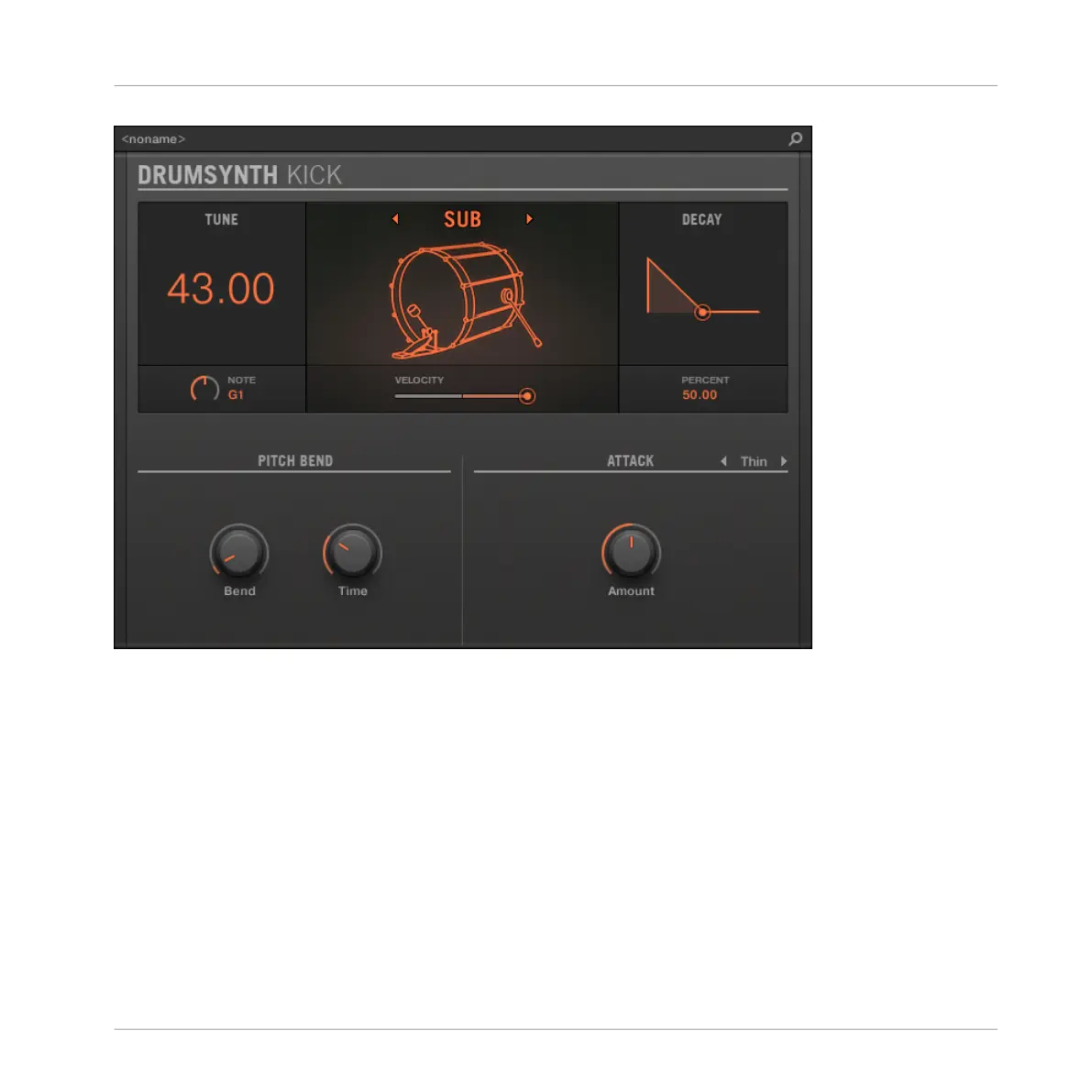
The Kick panel in the Plug-in Strip.
As in every Drumsynth, the engine can be selected via the Engine selector on the Main page.
Each engine has a different character and set of parameters, as detailed in the following sec-
tions.
The Kick provides following engines:
▪ Sub (default): ↑10.2.1, Kick – Sub.
▪ Tronic: ↑10.2.2, Kick – Tronic.
▪ Dusty: ↑10.2.3, Kick – Dusty.
▪ Rasper: ↑10.2.5, Kick – Rasper.
▪ Snappy: ↑10.2.6, Kick – Snappy.
Using the Drumsynths
The Kicks
MASCHINE - Manual - 497



 To Next Page