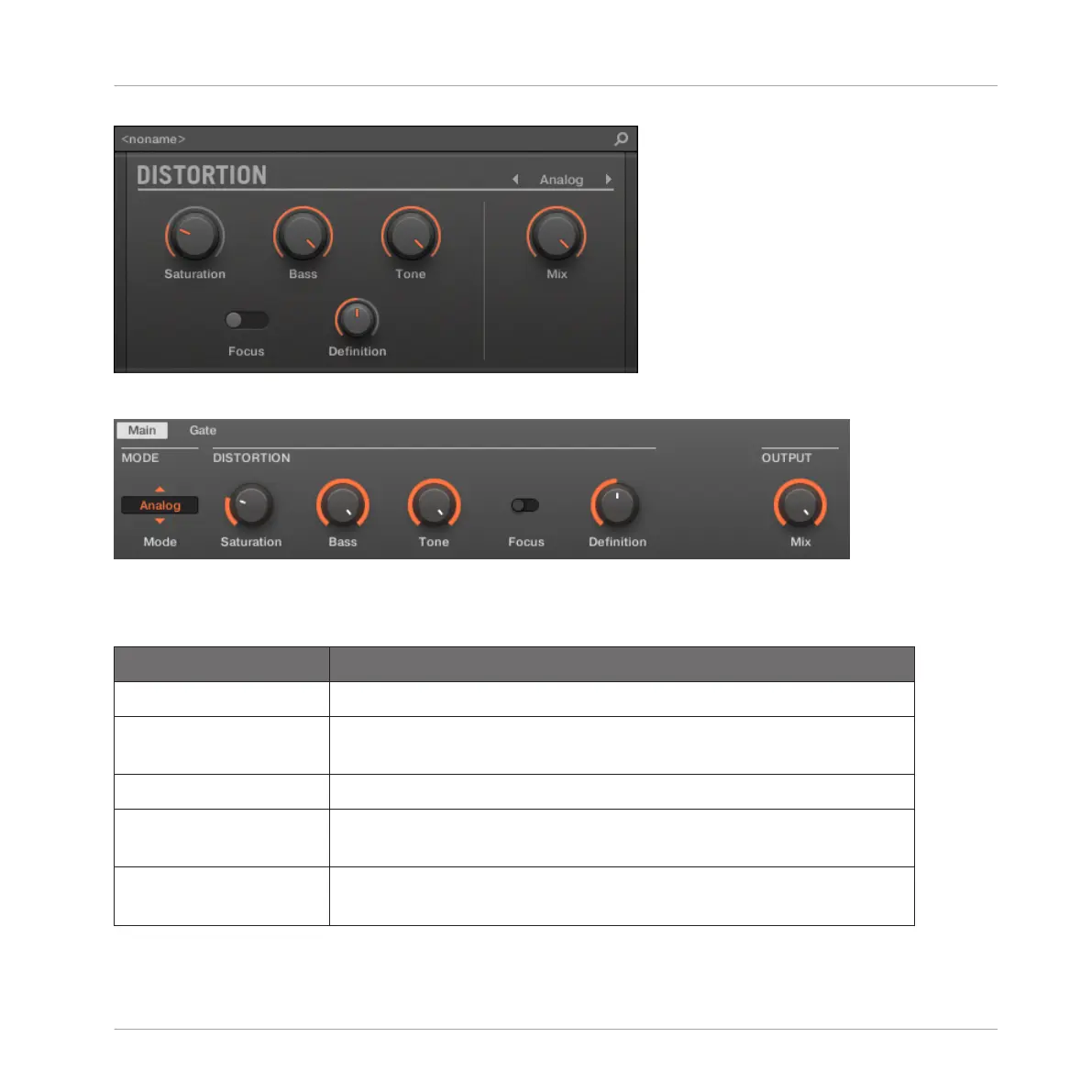
The Analog Distortion panel in the Plug-in Strip.
The Analog Distortion in the Control area (Main page depicted).
Main Page
Element Description
MODE Section
Mode Select between two distortion modes: Analog and Mulholland
(default: Mulholland).
DISTORTION Section
Saturation Sets the amount of saturation applied to the signal. Available values
range from 0.0 to 100.0% (default: 25.0%).
Bass Attenuates the low frequencies of the distortion effect. Available
values range from 0.0 to 100.0% (default: 100.0%).
Effect Reference
Distortion Effects
MASCHINE - Manual - 667



 To Next Page