101
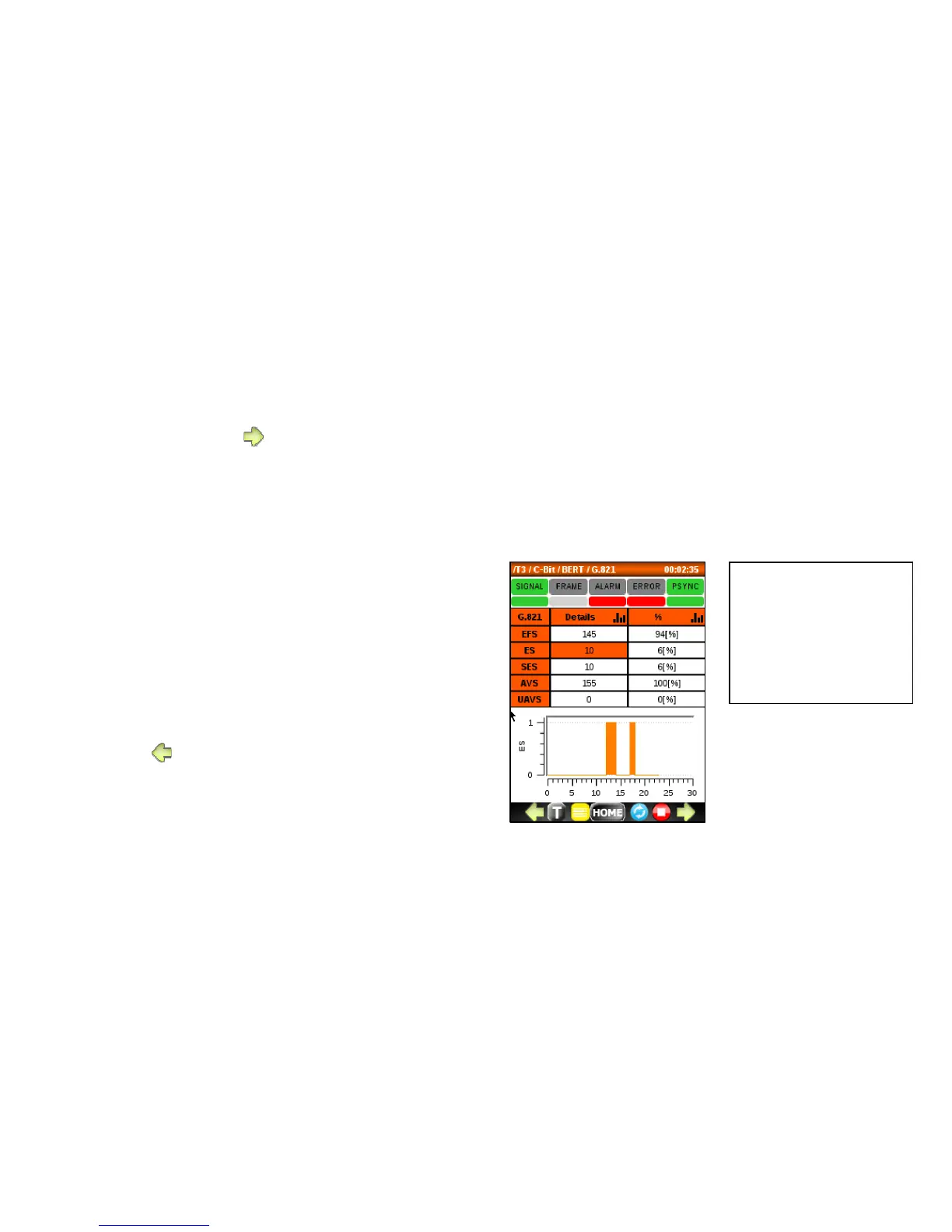
7.3.2 G.821 ERROR menu
To access this menu, press
from the ALARM menu.
Use this menu to:
• Monitor the current and history ERROR
status to determine the severity of the
errors that generated an ERROR indication.
• Monitor G.821 counters and percentages.
o EFS (Error Free Seconds)
o ES (Errored Seconds)
o SES (Severe ES)
o AVS (Available Seconds)
o UAVS (Unavailable Seconds)
• Display a histogram
To exit, press .



 To Next Page