289
15.6 CHANNELS SCAN
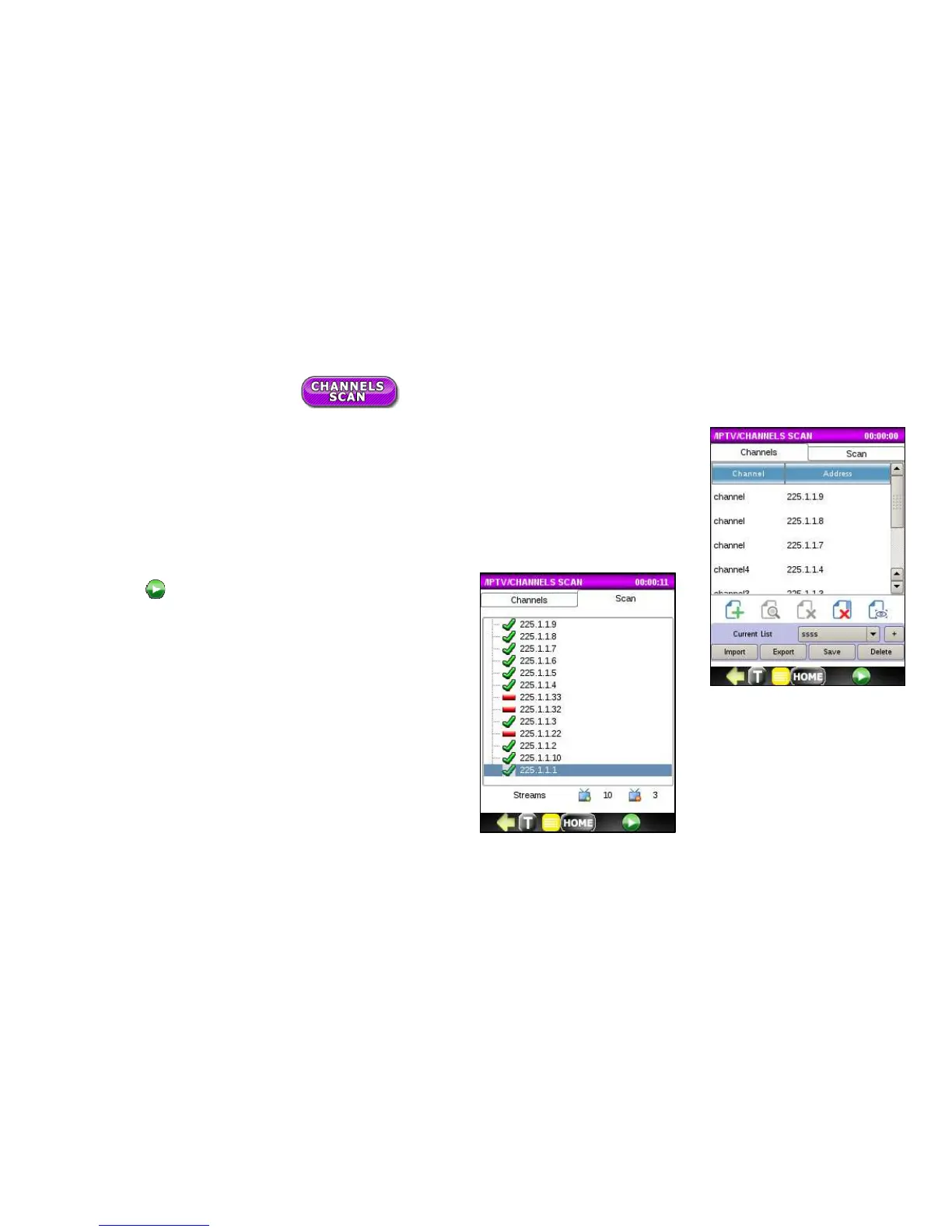
Channels SCAN function allows you to connect as the end-device, to emulate Set-Top Box,
and check availability of channels (streams) in an IPTV network from a loaded Channel List.
Prior to running Channels Scan, a valid Channel List must be loaded. See previous section
Build or Import Channel List.
Press on the
button to start the Channels Scan. The
test stops for the duration of the IGMP delay time defined
in the SETUP and checks if the channel connects,
displaying it on the list with a green check mark if
successful.



 To Next Page