171
12.5.1 Filter
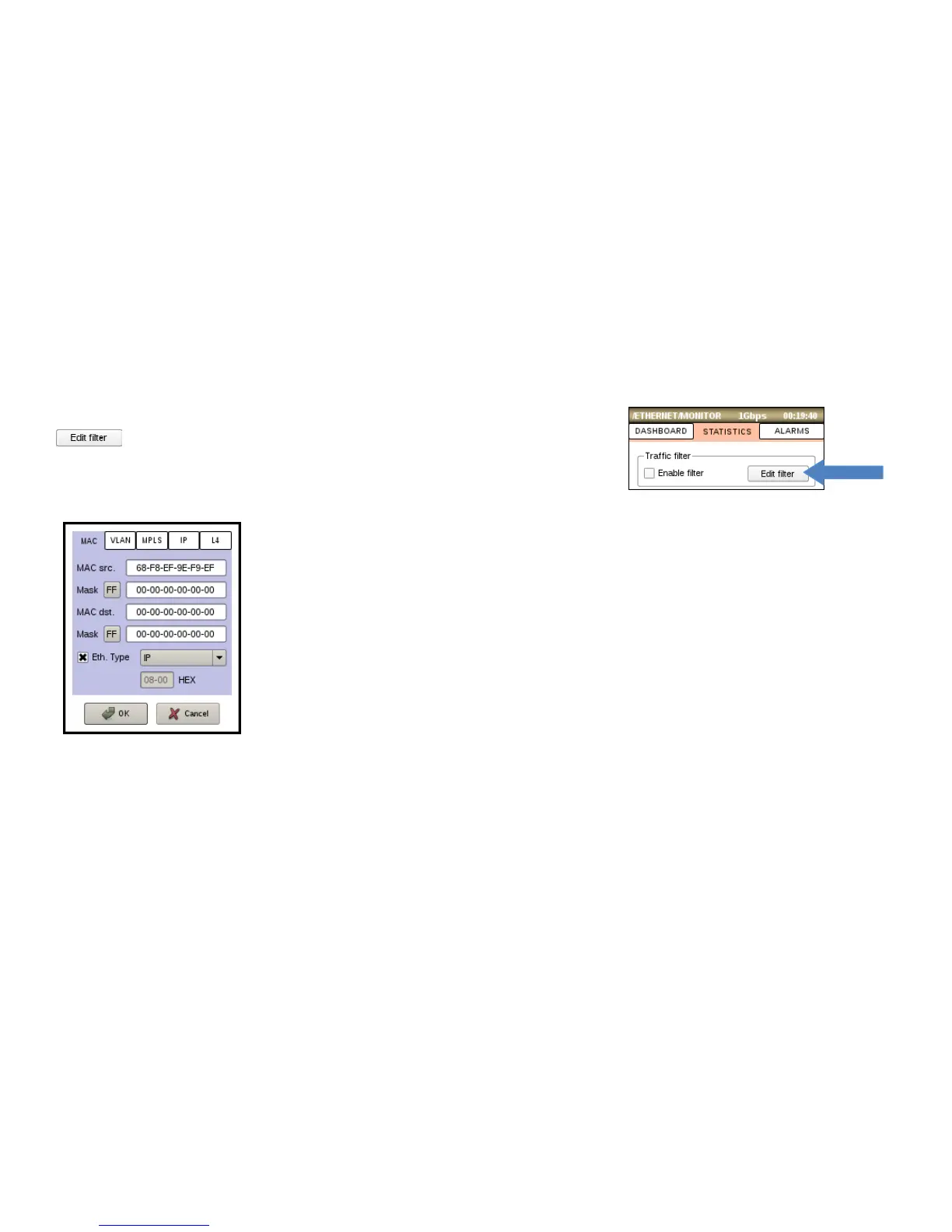
Traffic filter allows to monitor only specific traffic. To setup Rx filter tap
button and customize filter rules. The rules can be defined for
following layers: MAC, VLAN, MPLS, IP, L4(UDP, TCP).
• MAC – define source and destination MAC addresses.
• Mask – set bit mask to indicate which parts of MAC address are available for
examination. 1 means that the equivalent bit must mach, 0 means that the
equivalent bit doesn’t matter. For example, a mask FF:00:00:00:00:00 will examine
only first octet of MAC address, 80:00:00:00:00:00 – first bit, 00:00:00:00:00:01 –
last bit, FF:FF:FF:FF:FF:FF – all octets.
• Eth. Type – configure a filter for Ethernet type (0x0000-0xFFFF). Select item form
dropdown list or set own value. Check to activate.



 To Next Page