264
14.3 Enable PPPoE
Prior to running the VoIP application over PPP, the NetProbe have to establish PPPoE connection. To establish PPPoE
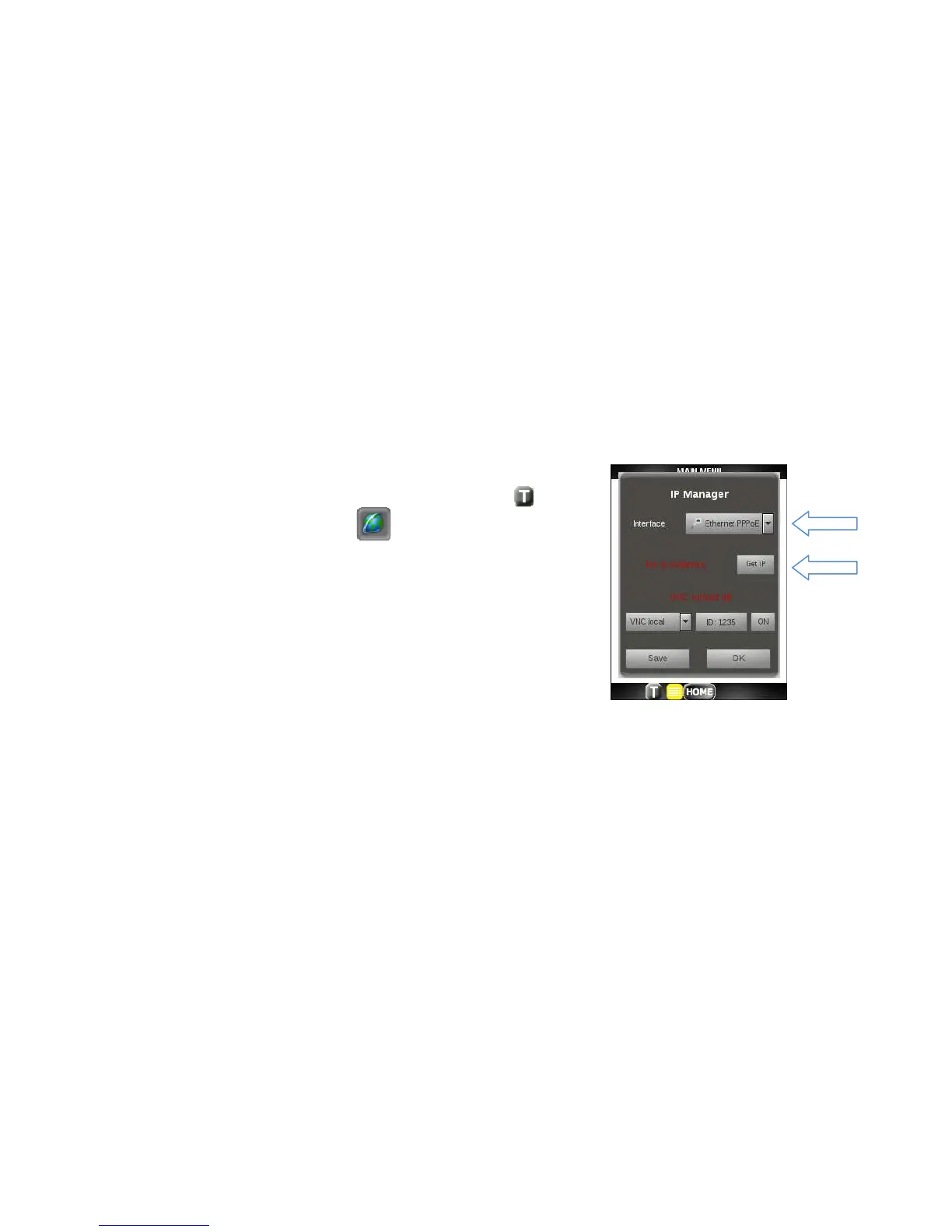
session and acquire an IP address, go though the following steps:
1. Tap on the Toolbar icon at the bottom of the display.
2. Tap on the Globe toolbar icon.
3. Pull down the Interface drop down and select Ethernet PPPoE
interface.
4. Click on the Get IP button.
5. Set PPP credentials: Authentication, User, Password or select
previously saved configuration form Profile drop down list and
go to step 7.
6. Click Connect button and set name of your configuration.
7. You will see blue progress bar during authentication process which will turn green when the session is
successfully established.
8. If progress bar turns red, the PPP authentication process has failed. Check network connection and make
sure that PPP credentials are correct.



 To Next Page