322
17.3.3 WiFi - Discover
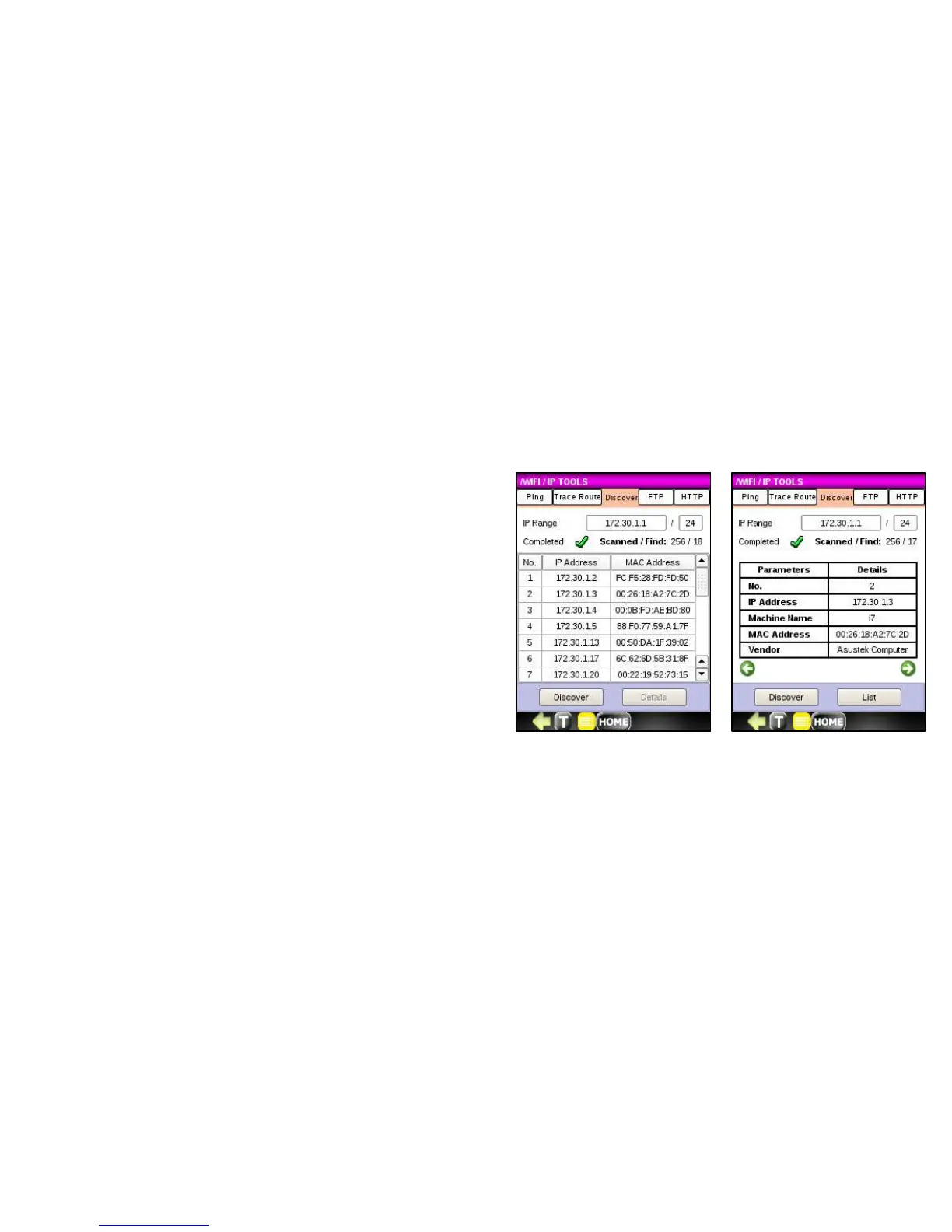
Discover scans and detects all network devices within a range of IP addresses. The range specified must be entered in
CIDR notation. CIDR notation is constructed from:
• IP address
• Prefix – number of leading ‘1’ in the routing prefix mask
To run DISCOVER, follow the steps below:
1. Press the Discover button and the IP address and MAC
address of each device detected in your defined range
will display. When the Discover function reached the
end of the IP range, a green check appears.
2. Click on an IP address of interest and press the Details
button to get additional detail about a device.



 To Next Page