162
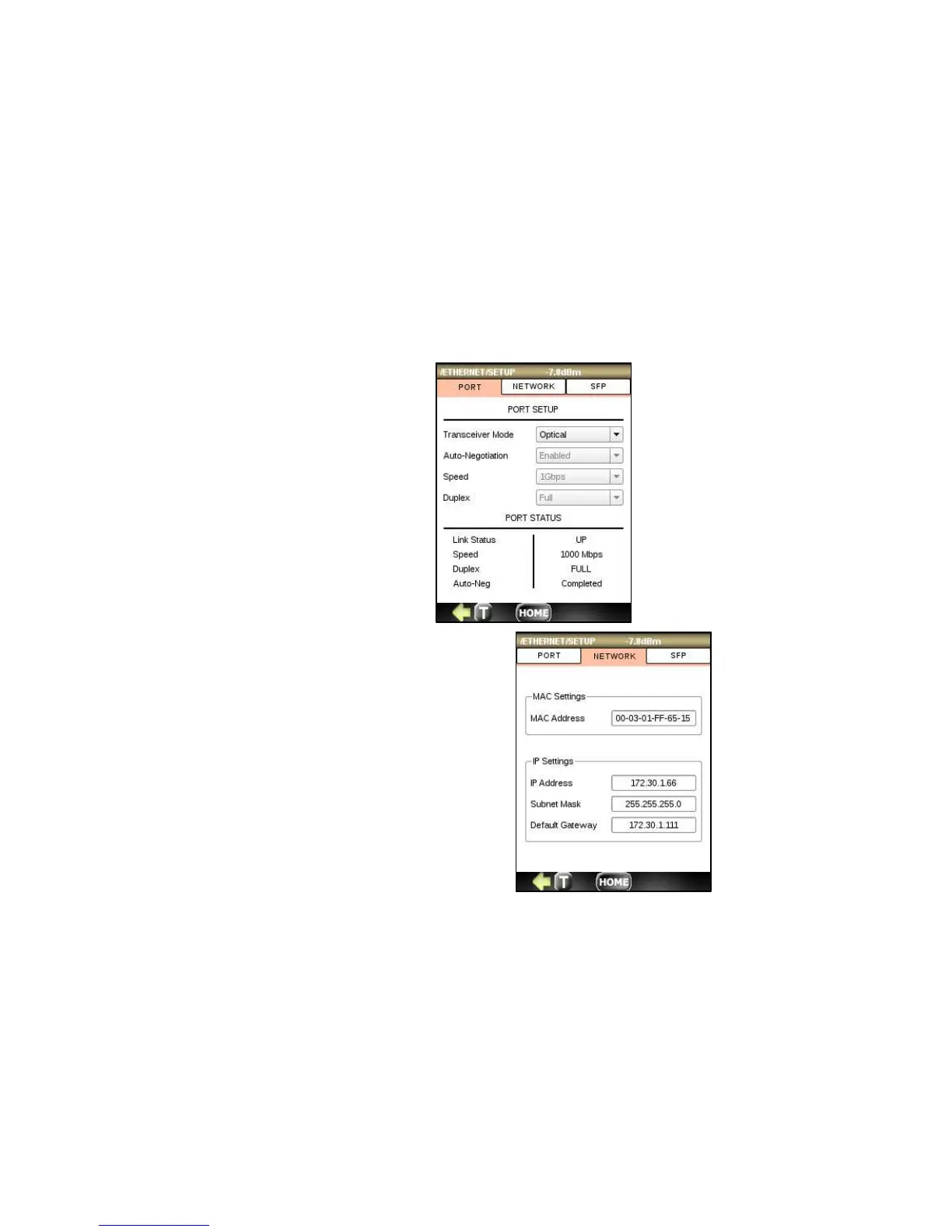
12.2.2 PORT SETUP and PORT STATUS
Select PORT to setup:
• Transceiver Mode: optical or electrical
• Auto-Negotiations: enabled or disabled
• Speed: 10Mbps, 100Mbps, 1Gbps or Auto
• Duplex: Full, Half, Auto
PORT STATUS shows:
• Link Status - Up or DOWN
• Speed (Mbps)
• Duplex – Half or Full
• Auto-negotiations in progress or completed
12.2.3 Network Parameters
NETWORK menu allows selection of:



 To Next Page