237
13.4.3 Running a Test
• Configure the setup or load a test profile form the PROFILE tab
under Setup.
• Make sure that at least one service is enabled.
• Connect a CAT6 Ethernet cable to the 10/100/1000 test port and
ensure that the test port Active.
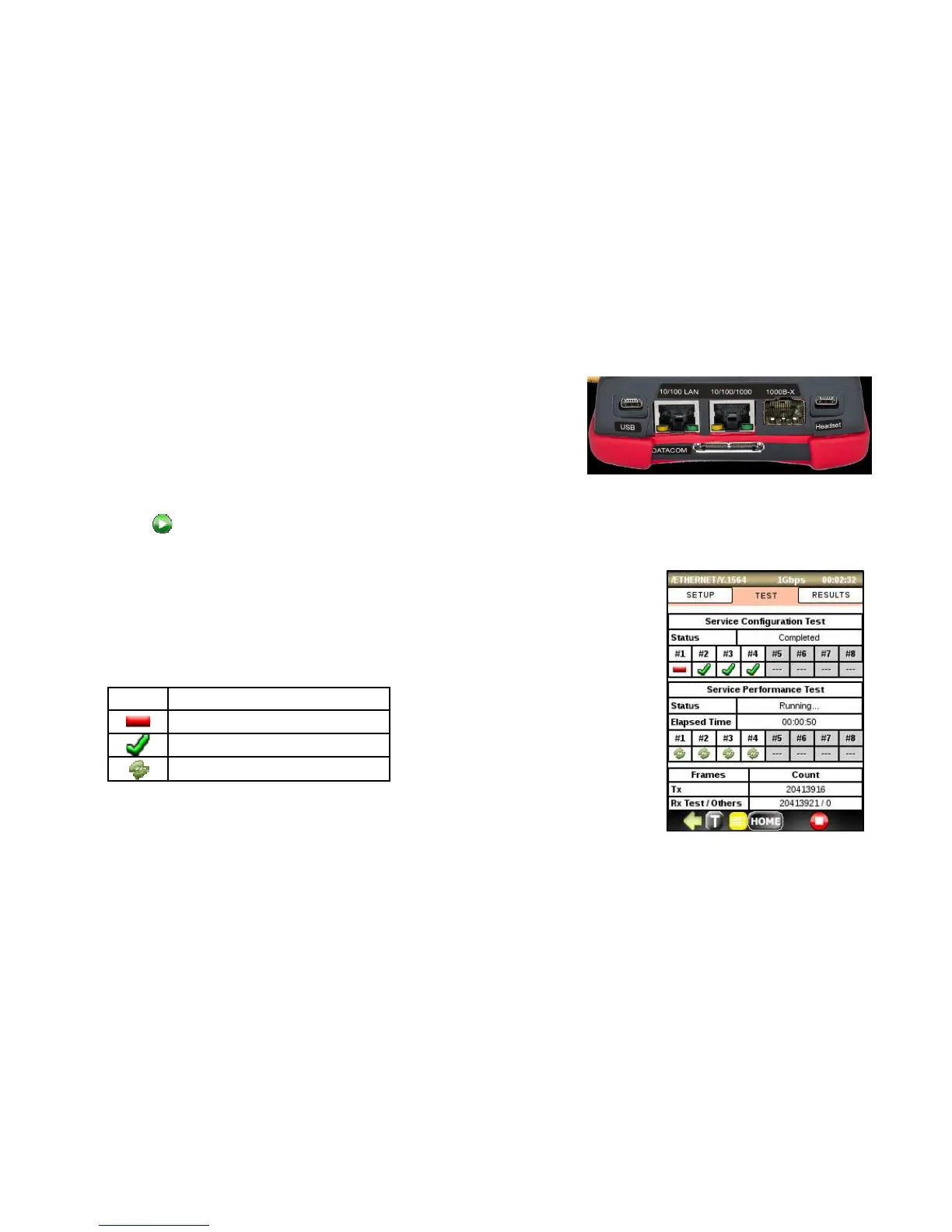
• Press to run the Y.1564 test. The TEST tab containing the current test and services status will be
automatically displayed.
• Phase 1 – Service Configuration test: the services will be tested one by one.
• Phase 2 – Service Performance test: the services will be tested
simultaneously over defined period of time.



 To Next Page