201
12.7.4 Running a Test
• Press
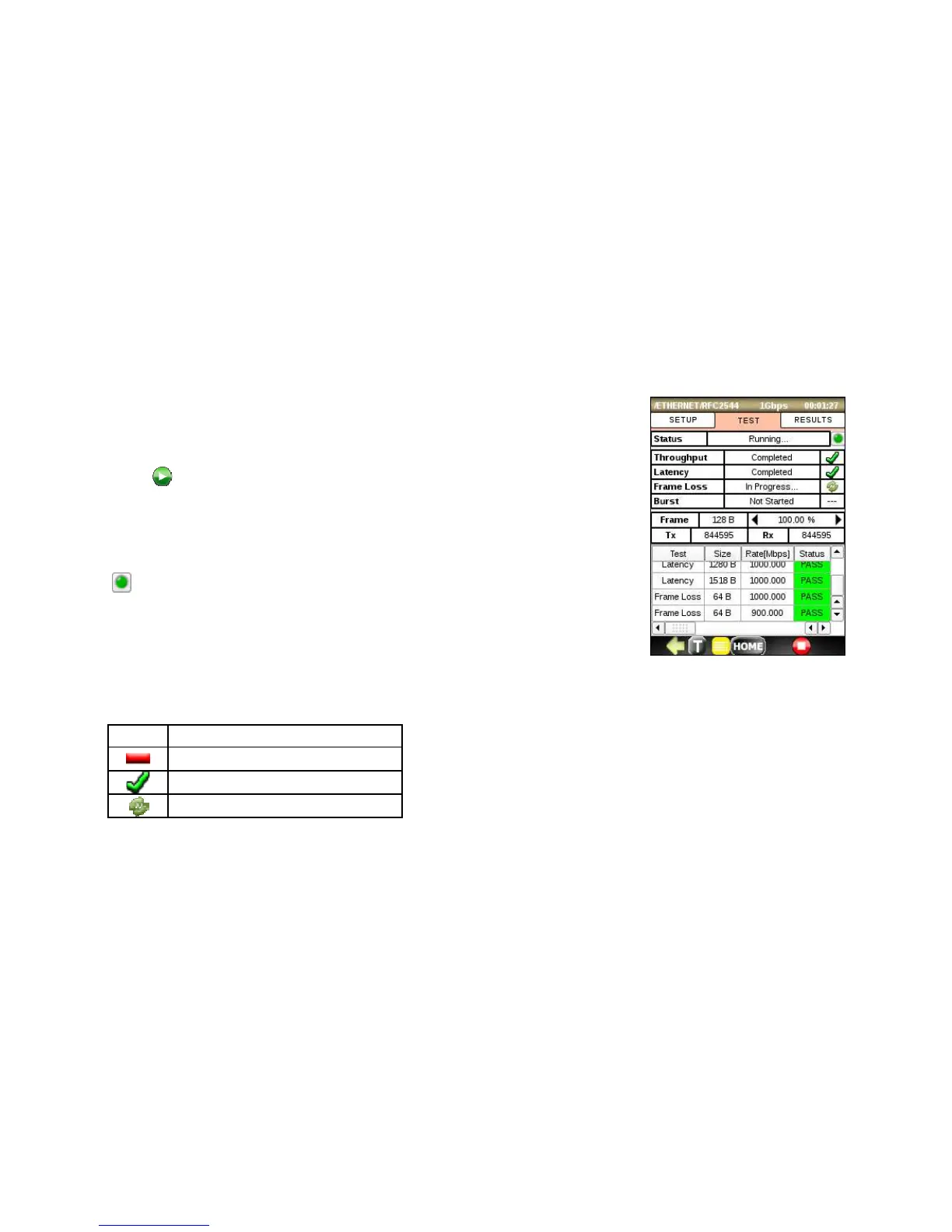
and the screen will switch to the TEST tab and start running each
enabled test using the parameters configured in the Setup tab.
• Observe that the Status displays “Running” and that “In Progress…”
displays next to the active test. Tests that have not started yet display
“Not Started”
• indicates error and alarms status. Press it to get more details.
• Observe at the bottom of the screen, the details of each iterative test as it
runs, displaying the current frame size, rate, iteration and PASS/FAIL
status.



 To Next Page