330
18.3 Trace Route
Trace Route is a diagnostic tool for displaying the routed path and measuring transit delays of packets across an IP
network. The history of the route is recorded as the round-trip times (latency) of the packets from the NetProbe to each
successive host (remote node) along the routed path. Traceroute can reveal network failures such as routing loops and
black holes and shows roughly where those failures exist.
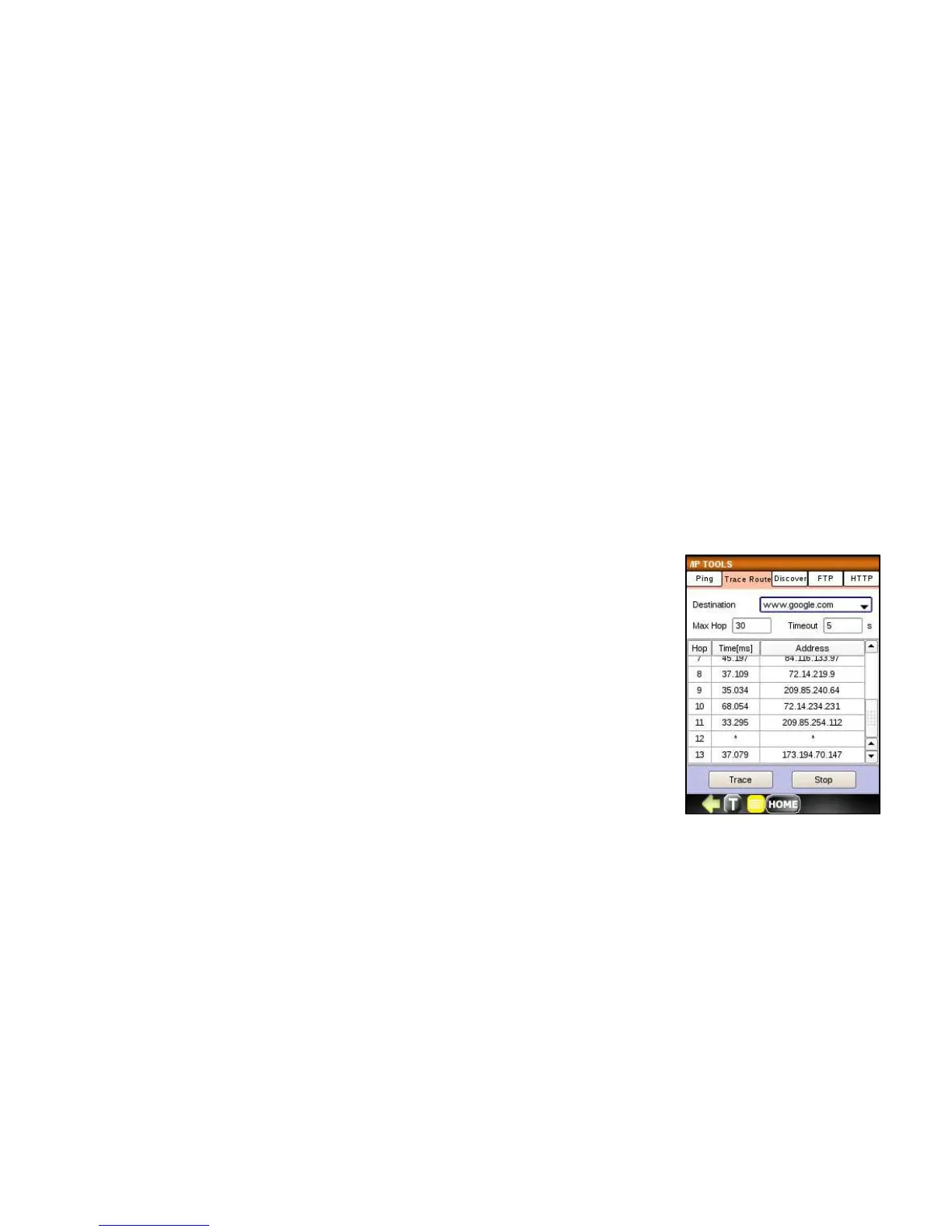
Trace Route function set up includes:
• Destination url or IP address
• Max number of Hops
• Timeout
Press the Trace button to start the test and observe the round trip time (latency) and IP
address of each hop from the NetProbe to each successive node. Press the STOP button
to stop the test.



 To Next Page