313
16.3.4 Answering a call
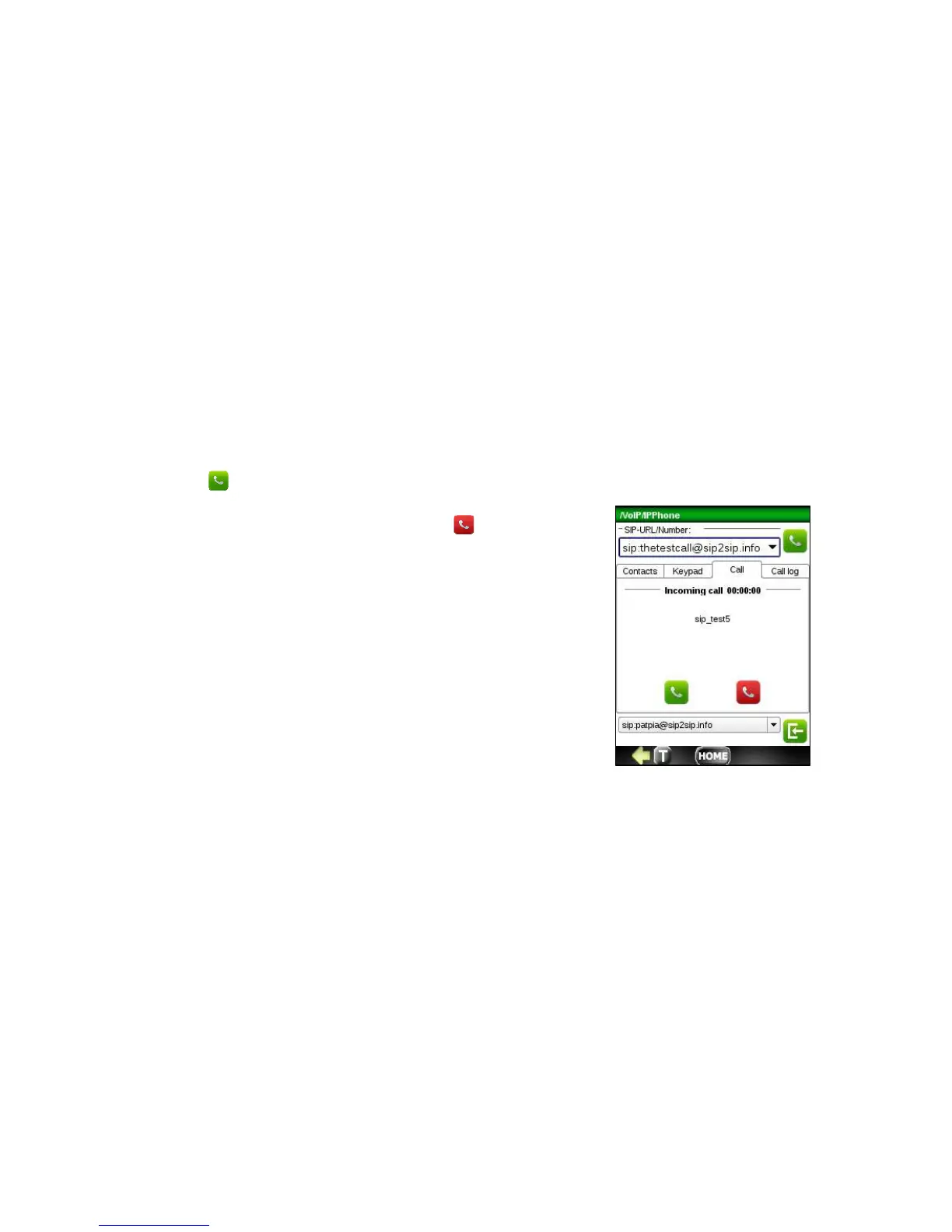
When you receive a call, the application will switch to the Call Tab and the caller’s number or name is displayed. You also
hear a ring sound on your headset. Once you have noticed an incoming call, do one of the following:
o Press button to pick up the phone and start talking.
o If you don’t want to accept this call, click
to refuse.



 To Next Page