32
5.2 Set Up
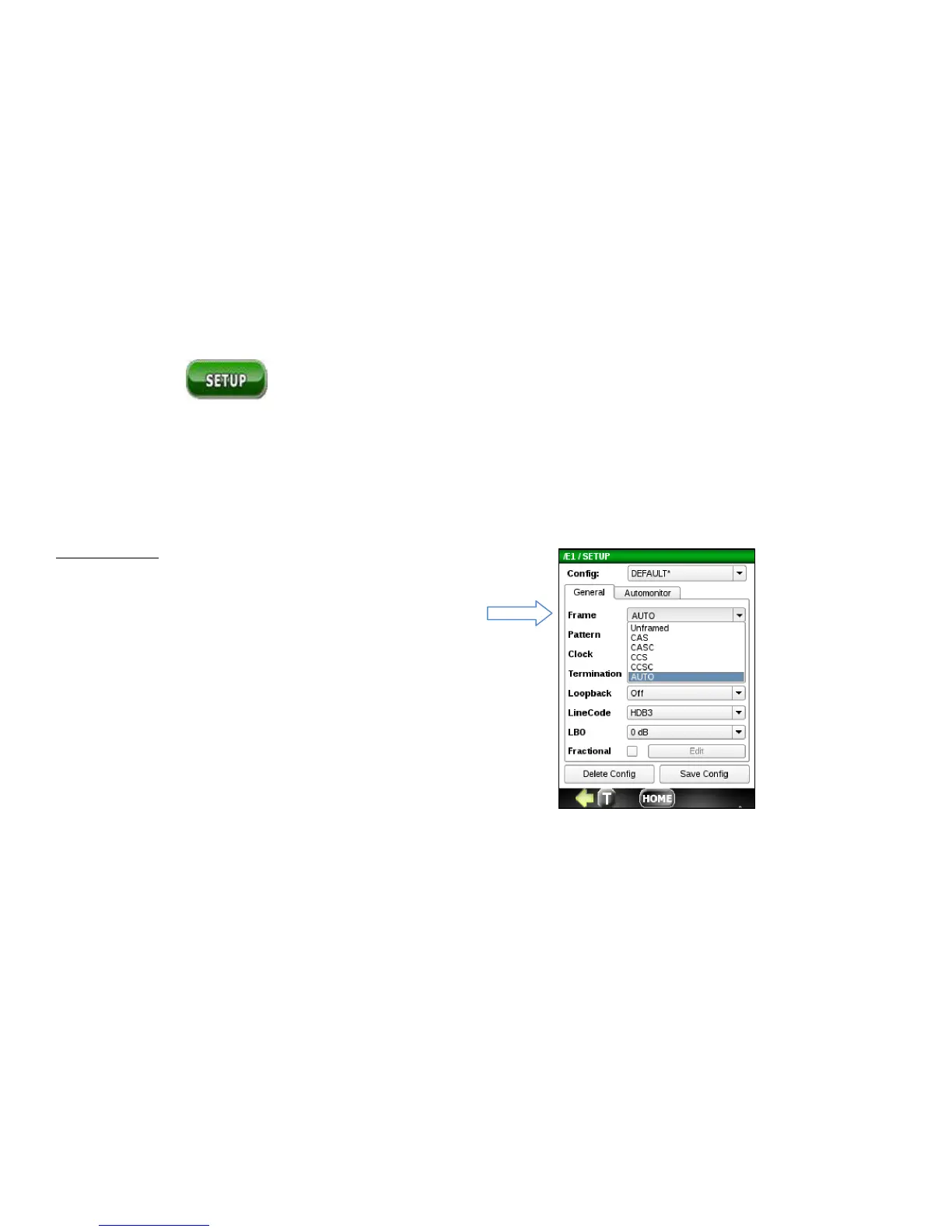
Use the Setup menu to configure the E1 transmitter and receiver parameters listed under the General tab. This menu
also allows you to define the Auto Monitor thresholds used to determine pass/fail results under the Automonitor tab .
5.2.1 General Configuration Tab
E1 Frame Type
• Unframed – all bits used for data
• CAS- Channel Associated Signaling
• CAS- Channel Associated Signaling with Signaling
• Common Channel Signaling (ISDN)
• Common Channel Signaling with CRC
• Auto – detect E1 signal, line code, frame type and BERT type
• (if any) automatically



 To Next Page