242
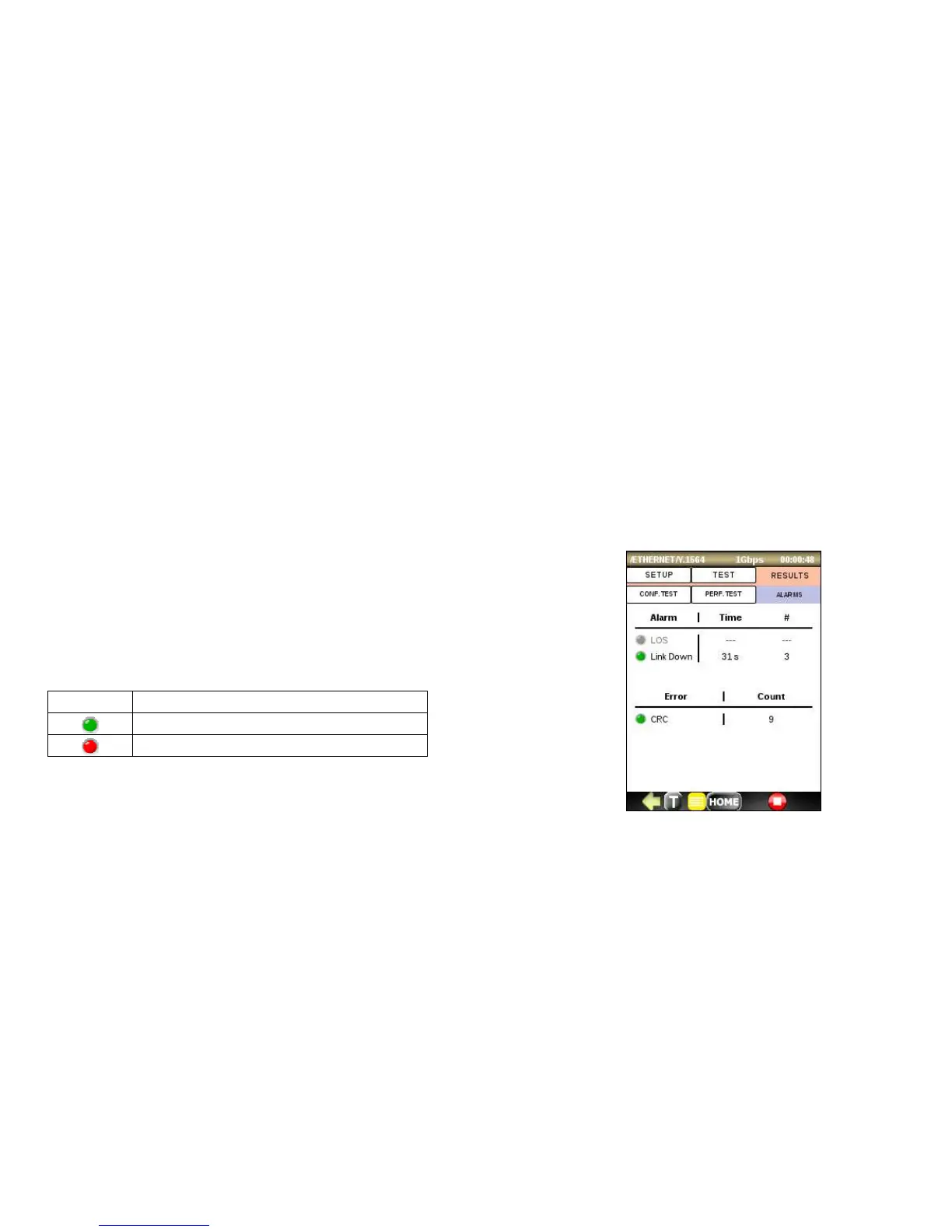
ALARMS Tab
Click on this tab to display detected Alarms. The alarms are displayed with a green or red background as described
below; otherwise, they will be displayed with a gray background. The error count, amount of time in seconds that
alarm remained raised during the test and total number of times the alarm event occurred are also displayed.
• LOS (Los Of Signal): indicates a loss of signal on the optical port
• Link Down: indicates that the Ethernet connection is down.
• CRC: displays total number of received frames with invalid CRC



 To Next Page